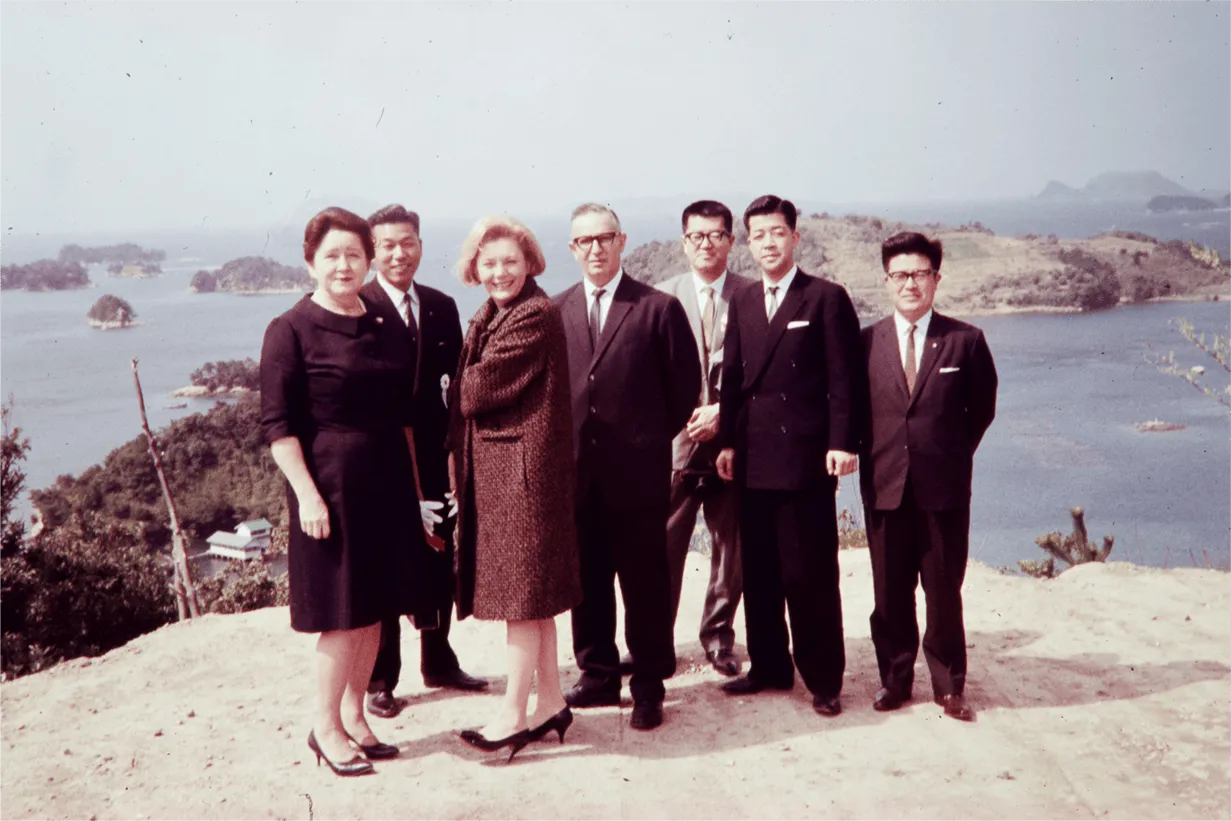
Unprocessed Image

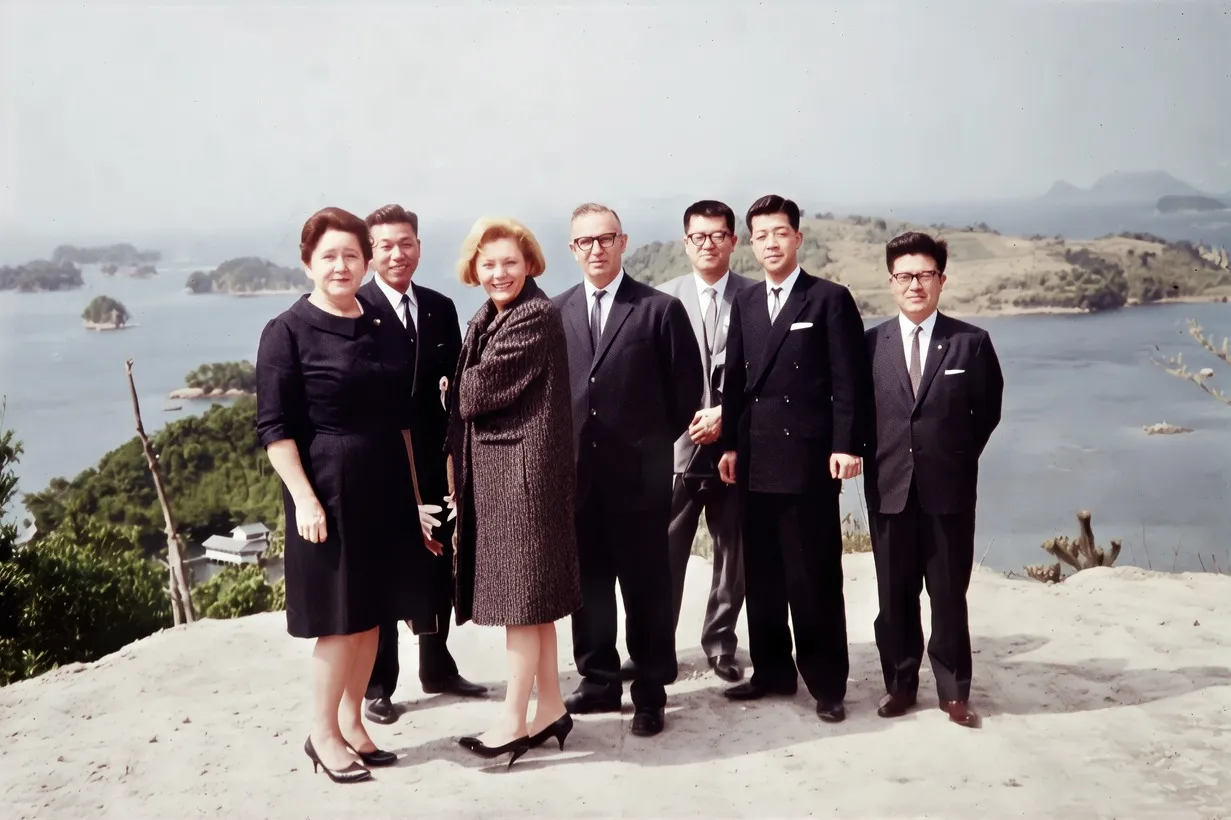
Enhanced




Upload a scan of an old school class photo and Topaz for Web restores it in seconds. Our award-winning restoration technology removes scratches, dust and creases, recovers the small faces packed into each row and lifts faded tones, then saves a new copy so the original stays as it was.
Sign up and use it now. No watermark.
Input
Group print
Output
Restored
Tool
Photo Restoration
Typical time
A few seconds
How it works
01
Scan the print at high resolution, then upload it. Topaz for Web opens with Photo Restoration selected.
02
Select your desired restoration settings and check the preview.
03
Download the restored photo for a class reunion, a school anniversary display or the alumni group.
What’s different
A class photo fits a whole room of people into one print, so each face is only a few millimetres across. Restoration recovers features in small faces that a basic sharpen would smear.
Long group prints get handled at the edges, folded and pinned to boards. Restoration repairs creases, corner damage and scratches across the full width.
Older class photos are monochrome, and color prints from the 60s to the 80s often drift toward red or cyan. Restoration works on both, and Colorize Photos can add color afterwards.
Restoration makes faces clearer, but it does not identify anyone. Keep the original scan and any names written on the back alongside the restored copy.
Recommended settings
Topaz for Web opens with Photo Restoration selected when you start from this page. Adjust any setting before you export.
Step | Recommendation | Why |
|---|---|---|
Scan | 600 DPI, 1200 for large groups | Each face needs enough pixels for the restoration algorithms to recover features. |
Framing | Scan the full print first | Keep the whole group, then crop close-ups from the restored copy. |
Tool | Photo Restoration | Repairs creases, scratches, dust and fading in one pass. |
Faces | Add Face Enhancer if needed | A second pass can help when faces are very small or soft. |
Pro users can also restore photos in the Topaz Photo desktop app.
Trusted by over 1 million photographers and filmmakers
“Blurry planes came to life perfectly sharp. Very easy to use.”
“This helped me save family photos that had soft focus.”
“It doubles the value of your photographic equipment.”
Verified Topaz Labs reviews on Trustpilot.
Scan the print at 600 DPI, or 1200 DPI for large groups, upload it to Topaz for Web and let Photo Restoration repair it. Check the preview and download the restored copy in seconds.
Restoration works across the whole photo and recovers detail in small faces as well as large ones. The smallest faces depend on how much detail the print still holds, so scan big groups at a higher resolution.
Yes. Creases, cracks and small tears are repaired automatically. Flatten the print gently before scanning so the fold lines are as thin as possible.
Yes. Shoot the print flat, in even light and without glare, then upload it. A scan gives the best result, but a careful phone photo works too.
Yes. Restore the photo first, then add color with Colorize Photos. Colors are estimated by our colorization algorithms, so clothing and backgrounds may not match the original exactly.

Topaz for Web is included with Topaz Studio, alongside Photo, Gigapixel, Video, Bloom and Topaz for Mobile.
Updated 2026-10-28


© 2005 - 2026 Topaz Labs. All rights reserved.