
Topaz Photo
Image enhancement for on-location photographers.
Enhance every image







Need product and account support?
Need product and account support?
Topaz Photo
Make high-quality photographs perfect.
Enhance every image


Crystal clear. Highly detailed. Super focused.
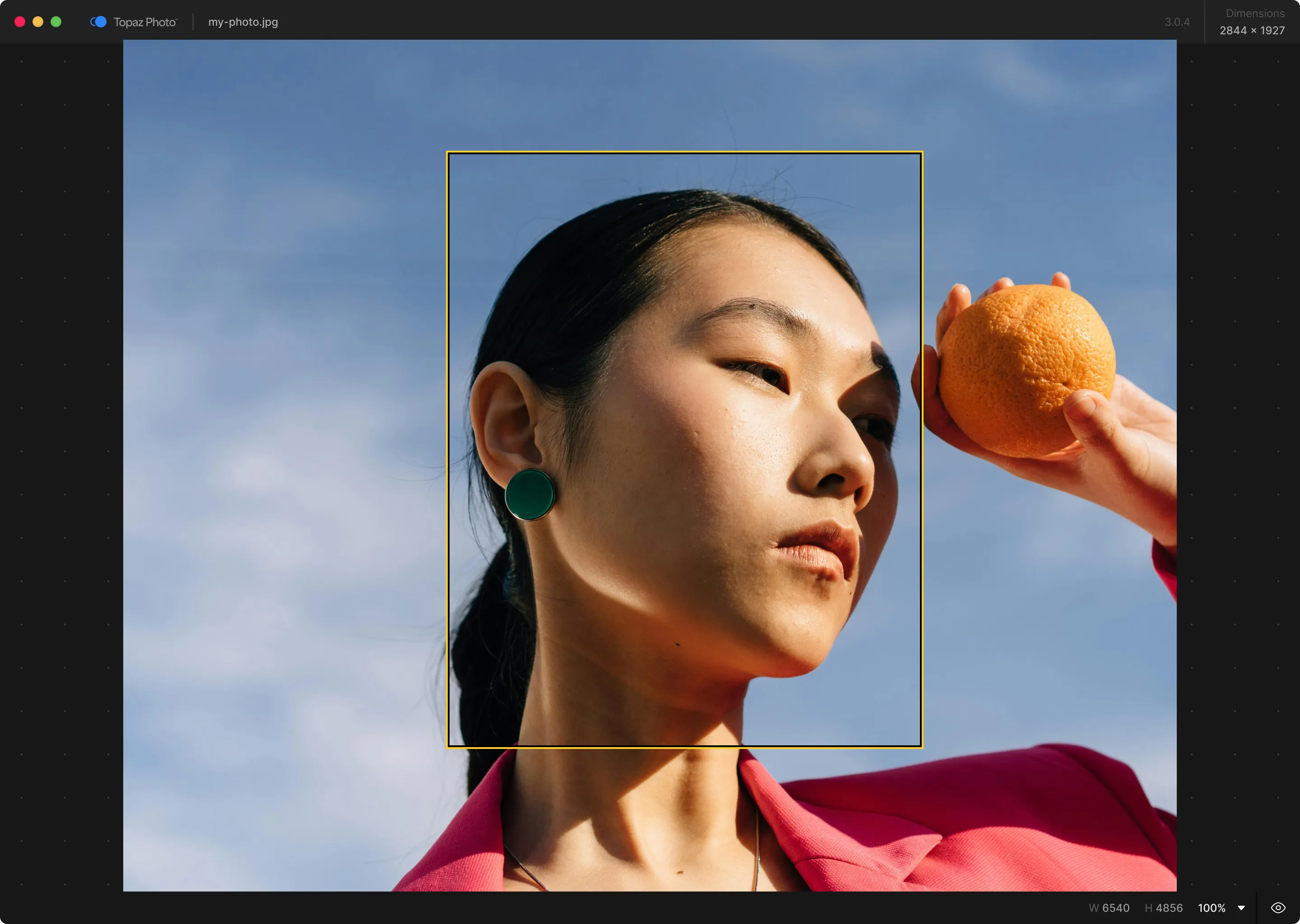
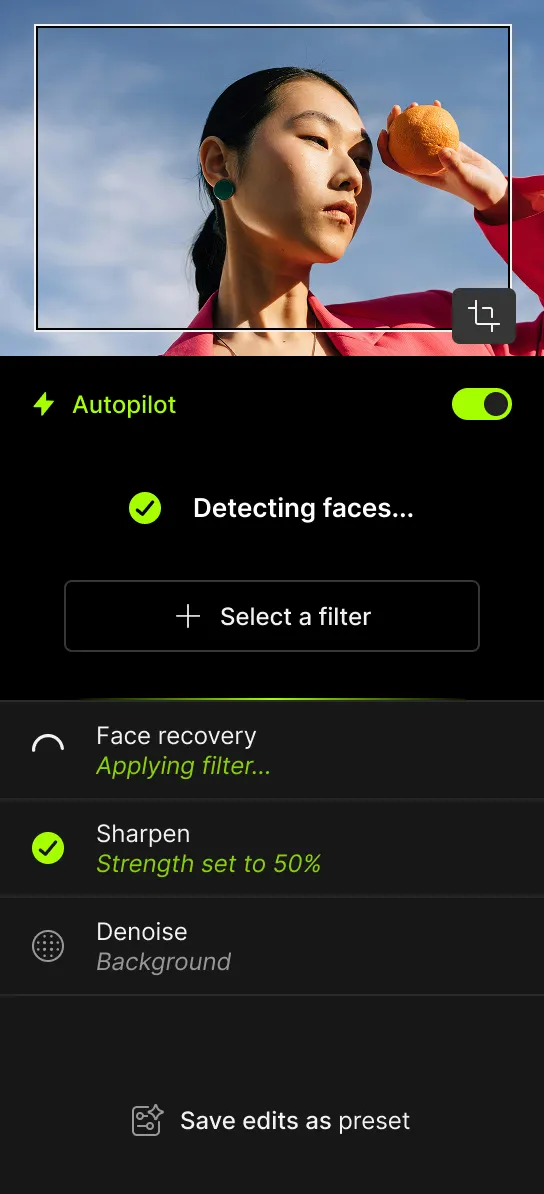
Topaz Photo is an intelligent image enhancement software that lets you sharpen details, restore focus, and adjust levels on every shot you take. Choose from 11 AI-powered tools to perfect your images, or let autopilot get you started. Available on Mac and Windows.




Every pixel.
Perfect.


Topaz Photo
Each tool gets it closer to perfect.
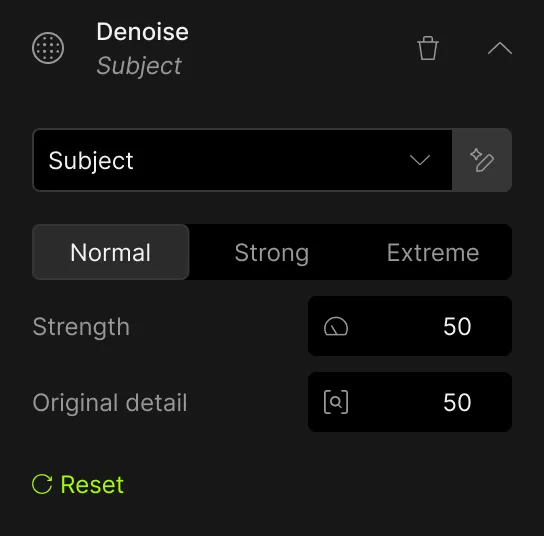
The ultimate finishing step for every image. Fix issues. Restore focus. Remove noise. Enhance details. Crop in. Prepare for print. Topaz Photo is the magical last step before "done." All using AI trained on millions of images.



-white.svg)
Denoise
Sharpen


"The sun had already set and it was almost too dark. With some editing adjustments and denoise with @topazlabs, I was able to save the image."
J
Recover Faces


Lighting


Color


Remove


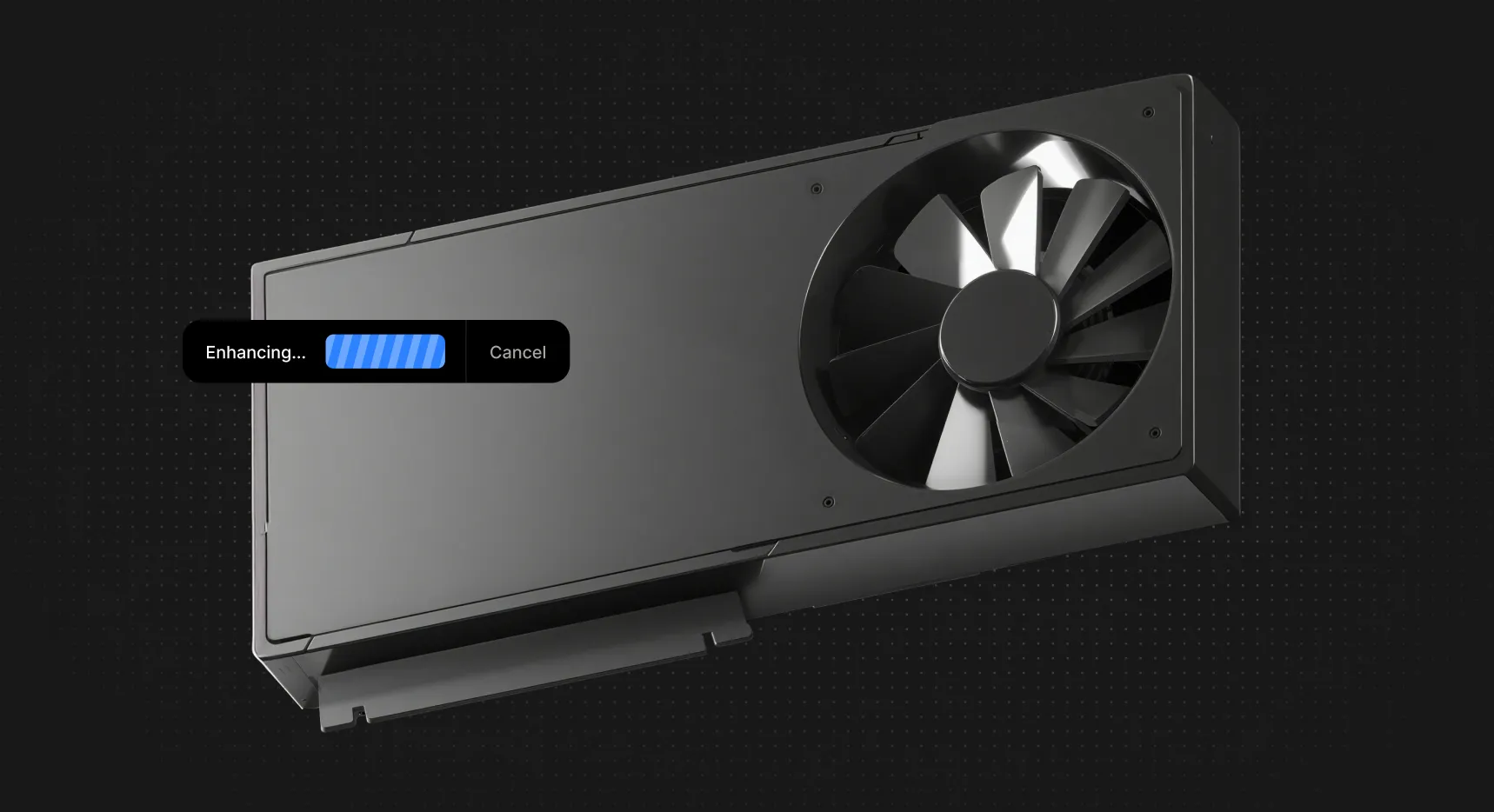
Private local rendering.
Your files never leave your computer. Perfect for pros handling confidential or proprietary material, or anyone wanting a little more privacy.
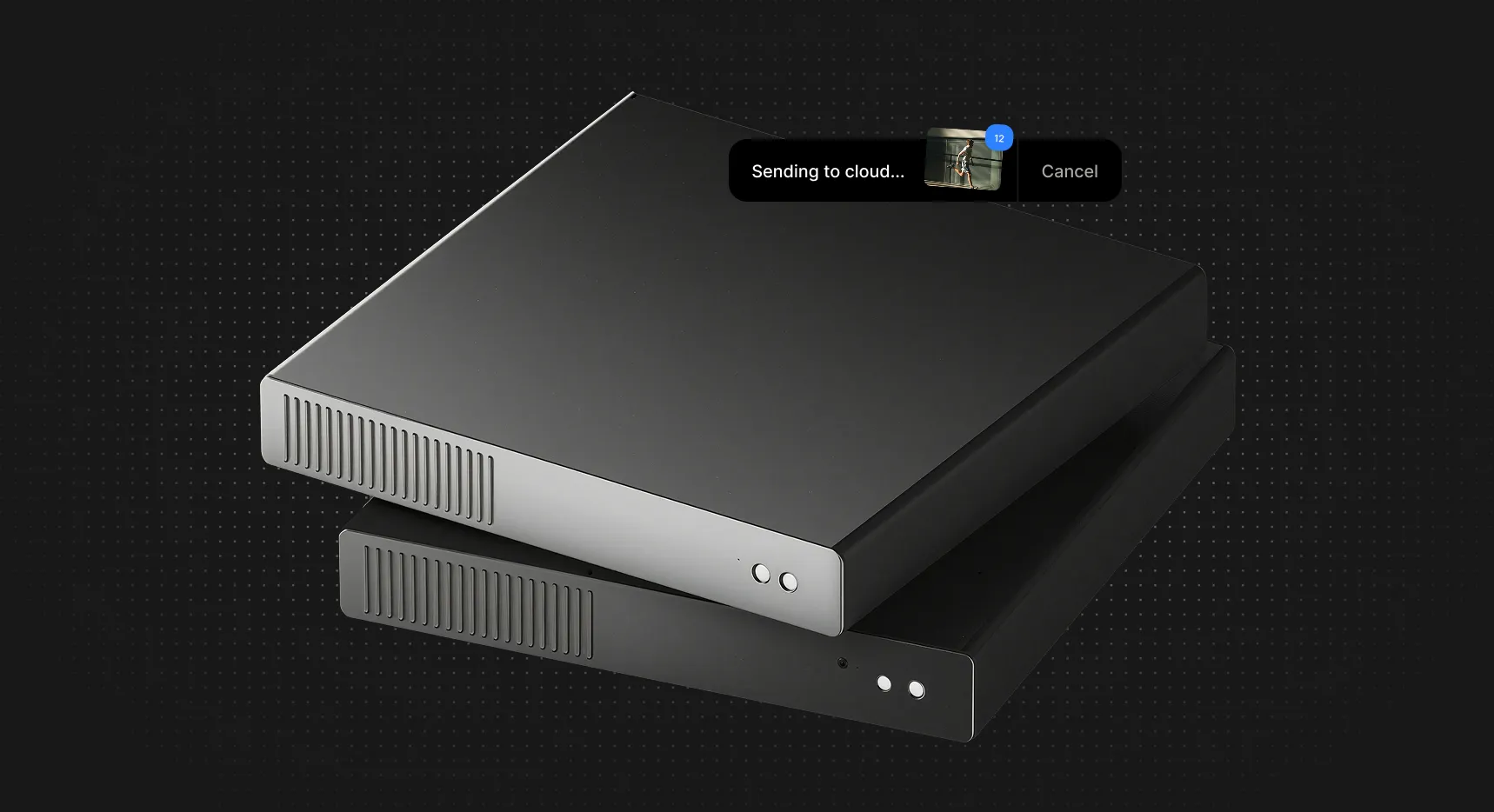
Unlimited cloud rendering.
Take the pressure off your hardware with cloud rendering. You'll get the fastest processing times with the latest AI models. And it's all unlimited.
A seamless addition to your workflow.


Use Topaz Photo as a standalone app, or as a plugin to your favorite image editing software.
"Topaz Photo is an indispensable part of my editing workflow."
C
Trusted by pro photographers for 20+ years.
You're getting the culmination of two decades of photo enhancement technology, all in Topaz Photo. What started as standalone denoising and sharpening tools are now more advanced than ever, in an all-in-one application.
Get started today
Zoom in with lossless crop, sharpen details, and denoise high ISO shots captured in unpredictable conditions.
Sharpen motion blur and denoise indoor shots with poor lighting.
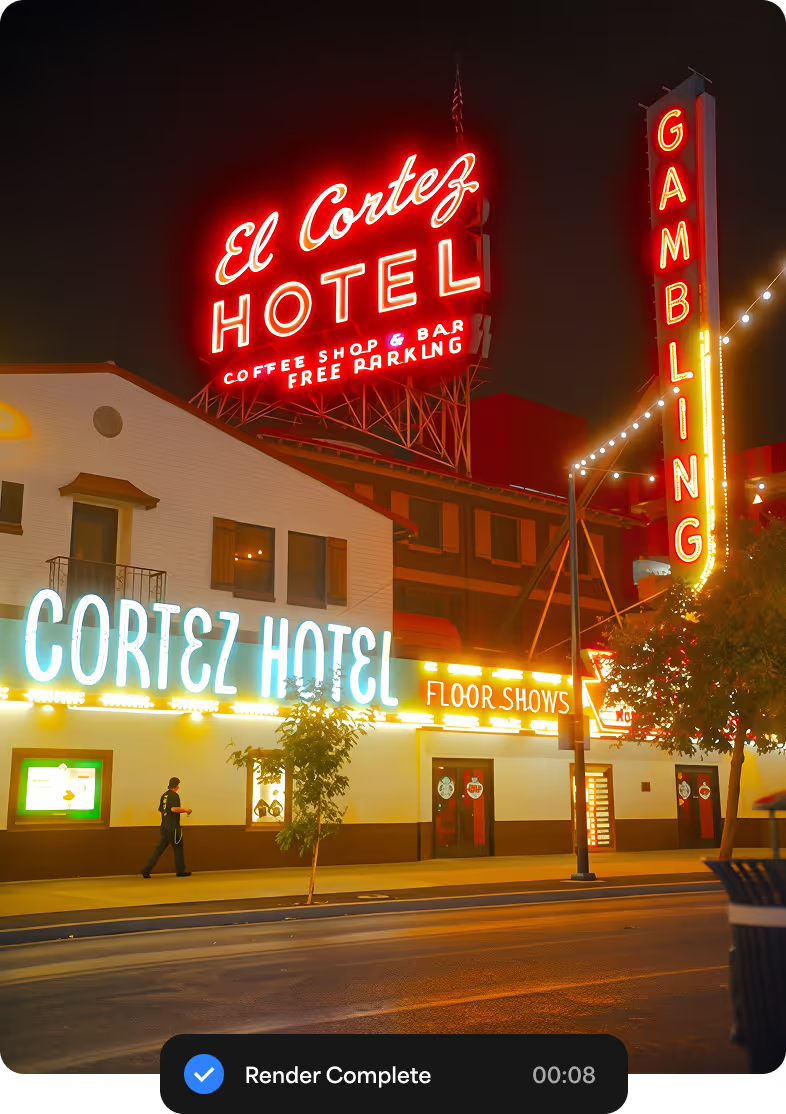
Never miss the important moment to low lighting or soft focus. Topaz Photo lets you fix the details without reshooting.
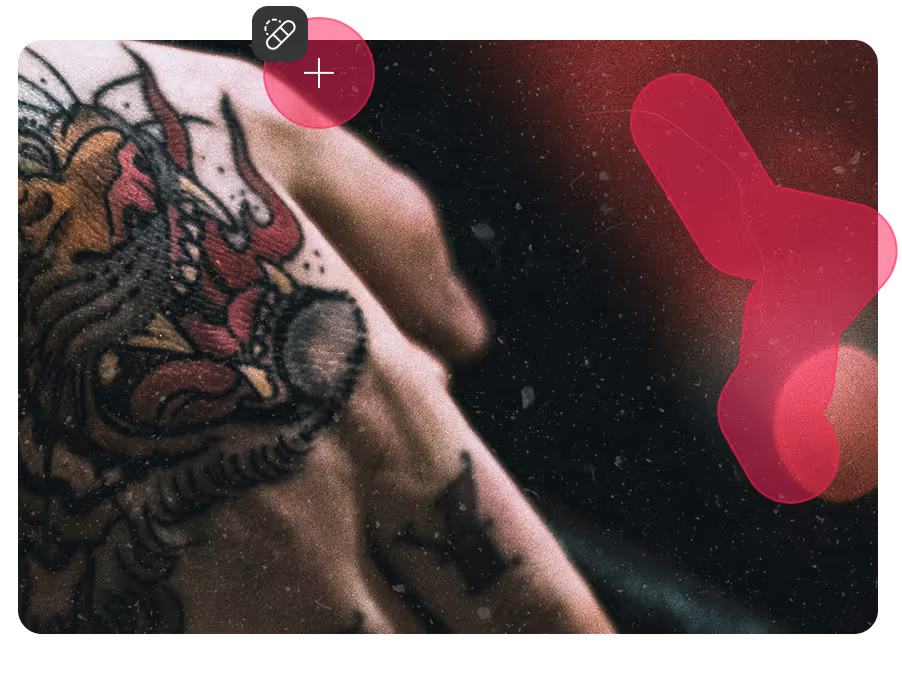
Remove dust and scratches, adjust lighting and color, and restore images to their original sharpness.
12 groundbreaking AI tools. Trained on millions of images.
Plus, unlimited local and cloud rendering.


Over 2 billion images processed.
"The software works will with my old videos and pictures and even new videos and pictures can pop even more with topaz. I can sorta do the same in adobe products but it takes longer and certain features like the Al upscale are unmatched with topaz."

"Easy to use program with very good results. I particularly like the upscale and denoise feature which I think is second to none, when it comes to fixing less than ideal photos it can mean the difference between keeping or deleting. Very happy with purchase."
"I use Topaz Photo every day, and while I wish there were a few more tools like I have in Adobe Lightroom or Photoshop, I'm quite happy with the simplicity and results."
"Exceeded my expectations. Used it to upscale some low resolution 1400px images upscales 4x. The results were almost flawless. Very happy and cant wait to see the results on some of my fine art that I will be upscaling and printing."

Topaz Photo
Get Topaz Photo.
Get Topaz Photo or get the entire collection with Topaz Studio. Either way, you'll get unlimited cloud and local rendering with no additional cost.
Personal
$25/mo

Photo models

Unlimited local rendering
Unlimited cloud image rendering
Limited commercial use*
Personal
$17/mo
Photo models
Unlimited local rendering
Unlimited cloud image rendering
Limited commercial use*
Personal
$39/mo
Photo models
Unlimited local rendering
Unlimited cloud image rendering
Limited commercial use*

Pro
$63/mo
Additional pro models
Seat management
Full commercial use
Pro
$50/mo
Additional pro models
Seat management
Full commercial use

Topaz Studio
$69/mo
All the apps

Unlimited local rendering
Unlimited cloud image rendering

300 monthly cloud video credits
2—image cloud concurrency
32MP cloud export limit*
Limited commercial use*
Topaz Studio
$45/mo
All the apps
Unlimited local rendering
Unlimited cloud image rendering
300 monthly cloud video credits
2—image cloud concurrency
32MP cloud export limit*
Limited commercial use*
Topaz Studio
$399/yr
All the apps
Unlimited local rendering
Unlimited cloud image rendering
300 monthly cloud video credits
2—image cloud concurrency
32MP cloud export limit*
Limited commercial use*
What is Topaz Photo?
How many computers can I use my apps on?
What is your return policy?
Where can I learn more about the apps and how to use them?
Cloud Apps
Topaz for Web - ImageTopaz for Web - VideoTopaz for MobileAstraAdobe Premiere PanelCloud CreditsCompany
CareersCreative Partner ProgramBecome a Beta TesterBecome an AffiliateTerms and ConditionsPrivacy PolicySitemapWeb Tools
New Video Upscale4K Video ConverterHD Video ConverterVideo EnhancerVideo SharpenerSlow Down VideoDenoise VideoFrame InterpolationBackground Remover3D Model UpscalerUnpixelate ImagePhoto RestorationColorize PhotosReal Estate Photo EnhancerImage UnblurImage UpscaleImage DenoiseImage SharpenImage FacesImage LightingImage EnhancerImage EnlargerAI Art Enhancer
GenAI & Use Cases
Best Image Upscalers 2026Best Image Denoisers 2026Best Video Upscalers 2026Creative Video UpscalerGemini Omni UpscalerKling 3.0 UpscalerSeedance 2.0 UpscalerSora 2 UpscalerVeo UpscalerCapCut Video EnhancerZ-Image UpscalerGrok Imagine UpscalerMidjourney Video UpscalerMidjourney Image UpscalerFor PhotographersFor VideographersFor AI CreatorsFor InfluencersFor 3D Creators


© 2005 - 2026 Topaz Labs. All rights reserved.
