Drop image(s) here.





Pixelated, blocky, and low quality image? Topaz rebuilds the detail that pixelation destroys, right in your browser. Upload your photo, let the AI reconstruct it pixel by pixel, and download a clean, natural result in seconds. No software to install and no watermarks.



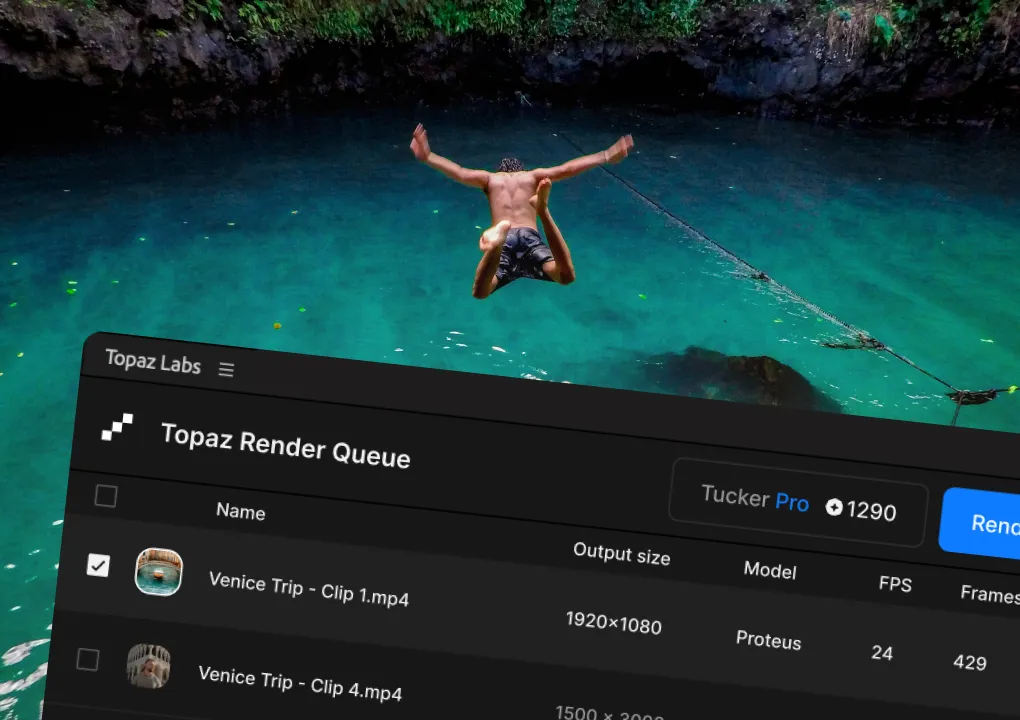
To fix a pixelated photo, upload it to an AI image tool such as Topaz Labs that reconstructs lost detail rather than just blurring the blocky areas. Topaz analyzes the image, identifies where pixel data is missing, and rebuilds realistic detail so edges stay sharp and textures look natural. The whole process runs in your browser in seconds. Here's how:
Simply click the "Upload" button to begin. You can upload a single image or multiple.

Once your image is uploaded, adjust the settings at the bottom of the screen and then begin processing your image(s).
Once processing is complete, you can view and download your newly unpixelated image(s).
Our tailor-made image unblur AI models are perfect for removing pixelation, visual artifacts, and jagged lines from your photos.

-white.svg)
Pixelation on images can occur when the image has been compressed, degraded, or was created in certain suboptimal circumstances. Instantly fix pixelation and improve the quality of any such image with Topaz Labs' easy-to-use web platform.
Sometimes you need to work with low-quality, old, and highly compressed images in your workflow. Our advanced image AI can recover and drastically enhance the quality of these types of images.

“Fabulous software that gets better with every version. [It] is the best for removing noise and sharpening images! I love that I know I can fix a flaw with little effort with Topaz.”

"The Topaz products have changed the way I shoot and edit. I now extend my ISO way beyond what I thought was acceptable because Topaz AI can remove most noise and maintain sharpness in images I would have tossed before. And, Gigapixel AI doubles the resolution of almost any image in my library. I couldn't live without these programs!"
"In the past few years I have been using Topaz programs, the company has introduced many, many upgrades that have significantly improved what each of the programs in their suite can do. Topaz is dedicated to their users, and that to me makes Topaz worthy of 5 stars."
“I started using Topaz for the possibility of rescuing 'almost-made-its' and was well pleased. Soon found that even the best shots could be improved, and as a result now use it on all of my 'keepers'. Brilliant!”


© 2005 - 2026 Topaz Labs. All rights reserved.