{ "@context": "https://schema.org", "@graph": [ { "@type": "Organization", "@id": "https://www.topazlabs.com/#organization", "name": "Topaz Labs", "url": "https://www.topazlabs.com", "logo": "https://cdn.prod.website-files.com/6005fac27a49a9cd477afb63/6601fc8dee8587f460410ed3_topaz-logo-wicon.svg", "sameAs": [ "https://www.instagram.com/topazlabs", "https://www.youtube.com/topazlabs", "https://x.com/topazlabs", "https://www.linkedin.com/company/topaz-labs/", "https://www.facebook.com/topazlabs/" ] }, { "@type": "BreadcrumbList", "itemListElement": [ { "@type": "ListItem", "position": 1, "name": "Home", "item": "https://www.topazlabs.com" }, { "@type": "ListItem", "position": 2, "name": "Tools", "item": "https://www.topazlabs.com/express" }, { "@type": "ListItem", "position": 3, "name": "Unpixelate Image", "item": "https://www.topazlabs.com/tools/unpixelate-image" } ] }, { "@type": "SoftwareApplication", "name": "Topaz Labs Unpixelate Images", "alternateName": "Topaz Image Unpixelate", "description": "Use Topaz Labs' advanced image unblurring technology to fix pixelated images. Our specialized AI models first detect and understand the image, then rebuild it pixel by pixel. Try now right in your browser.", "applicationCategory": "MultimediaApplication", "applicationSubCategory": "Image Enhancement", "operatingSystem": "Web Browser", "url": "https://www.topazlabs.com/tools/unpixelate-image", "screenshot": "https://cdn.prod.website-files.com/6005fac27a49a9cd477afb63/680295c5c673a69f6396e627_inline-edit-preview-video.webp", "featureList": [ "Preview before processing", "Browser-based, no download required", "No watermarks on output" ], "offers": { "@type": "Offer", "price": "0.00", "priceCurrency": "USD", "availability": "https://schema.org/InStock" }, "aggregateRating": { "@type": "AggregateRating", "ratingValue": "4.8", "reviewCount": "5423", "bestRating": "5", "worstRating": "1" }, "publisher": { "@id": "https://www.topazlabs.com/#organization" } }, { "@type": "HowTo", "name": "How to Unpixelate Images with Topaz Labs", "estimatedCost": { "@type": "MonetaryAmount", "currency": "USD", "value": "0" }, "step": [ { "@type": "HowToStep", "position": "1", "name": "Upload your image", "text": "Drag and drop or upload any image.", "image": "https://cdn.prod.website-files.com/6005fac27a49a9cd477afb63/6786d13122c7565a1ecee7f8_dnd-anywhere-img-opt.webp" }, { "@type": "HowToStep", "position": "2", "name": "Select your settings", "text": "Adjust your desired settings.", "image": "https://cdn.prod.website-files.com/6005fac27a49a9cd477afb63/680295c5c673a69f6396e627_inline-edit-preview-video.webp" }, { "@type": "HowToStep", "position": "3", "name": "Preview the enhanced result", "text": "Check the output preview.", "image": "https://cdn.prod.website-files.com/6005fac27a49a9cd477afb63/680296f40fbb09399a582622_inline-trim-video.webp" }, { "@type": "HowToStep", "position": "4", "name": "Download your new image", "text": "Download your improved image. No watermarks — ready to use anywhere.", "image": "https://cdn.prod.website-files.com/6005fac27a49a9cd477afb63/6786ca3647a84c0538bbef3c_inline-download-opt.webp" } ] }, { "@type": "FAQPage", "mainEntity": [ { "@type": "Question", "name": "What causes pixelation in images?", "acceptedAnswer": { "@type": "Answer", "text": "Pixelation happens when an image does not have enough pixel data to display cleanly at a given size. The most common causes are capturing a photo at a low resolution, cropping into a small section of a larger image, downloading a compressed version from the web, or enlarging an image beyond its native resolution without any enhancement applied. When the available pixels are stretched to fill more space than they were designed to occupy, the underlying grid of square color blocks becomes visible, producing that blocky, degraded look. Digital compression artifacts from formats like JPEG can also create a similar effect, where repeated saving or heavy compression strips away detail and leaves patches of visual noise that resemble pixelation." } }, { "@type": "Question", "name": "How does Topaz Labs fix pixelated images?", "acceptedAnswer": { "@type": "Answer", "text": "Topaz Labs uses AI models trained specifically on image quality to reconstruct the detail that pixelation destroys. Rather than simply smoothing over the blocky areas (which is what older software does, resulting in a blurry image), Topaz analyzes the structure of your image and intelligently fills in missing information with realistic detail." } }, { "@type": "Question", "name": "What makes Topaz Labs the best tool for fixing pixelated images?", "acceptedAnswer": { "@type": "Answer", "text": "The difference comes down to the quality of the underlying AI models and the depth of experience behind them. Topaz Labs has been building AI-powered image and video enhancement technology since 2001, and has processed over two billion images to date. That scale of real-world usage has shaped models that understand how images should look, not just how to mechanically fill in missing pixels. The result is unpixelated output that looks natural rather than artificially smoothed, with genuine detail reconstruction that holds up at full resolution. The technology has earned Emmy Award recognition and is trusted by 20 of the top 50 companies in the world, including Nike, Google, Adobe, and Nvidia, as well as millions of individual photographers and creators." } } ] } ] }
Drop image(s) here.
Unprocessed Image
Enhanced

Need product and account support?

Topaz Studio Web

Unpixelate Images Online

Try now in your browser
 

Easily fix pixelated photos and images.

Many old or compressed images can suffer from pixelation, jagged edges, or other unwanted visual artifact. Our specialized unpixelation AI models fix all of that for you,

How to fix pixelated images with Topaz:

Our simple-to-use online browser-based platform lets you unpixelate any image and photo in just seconds. Here's how.

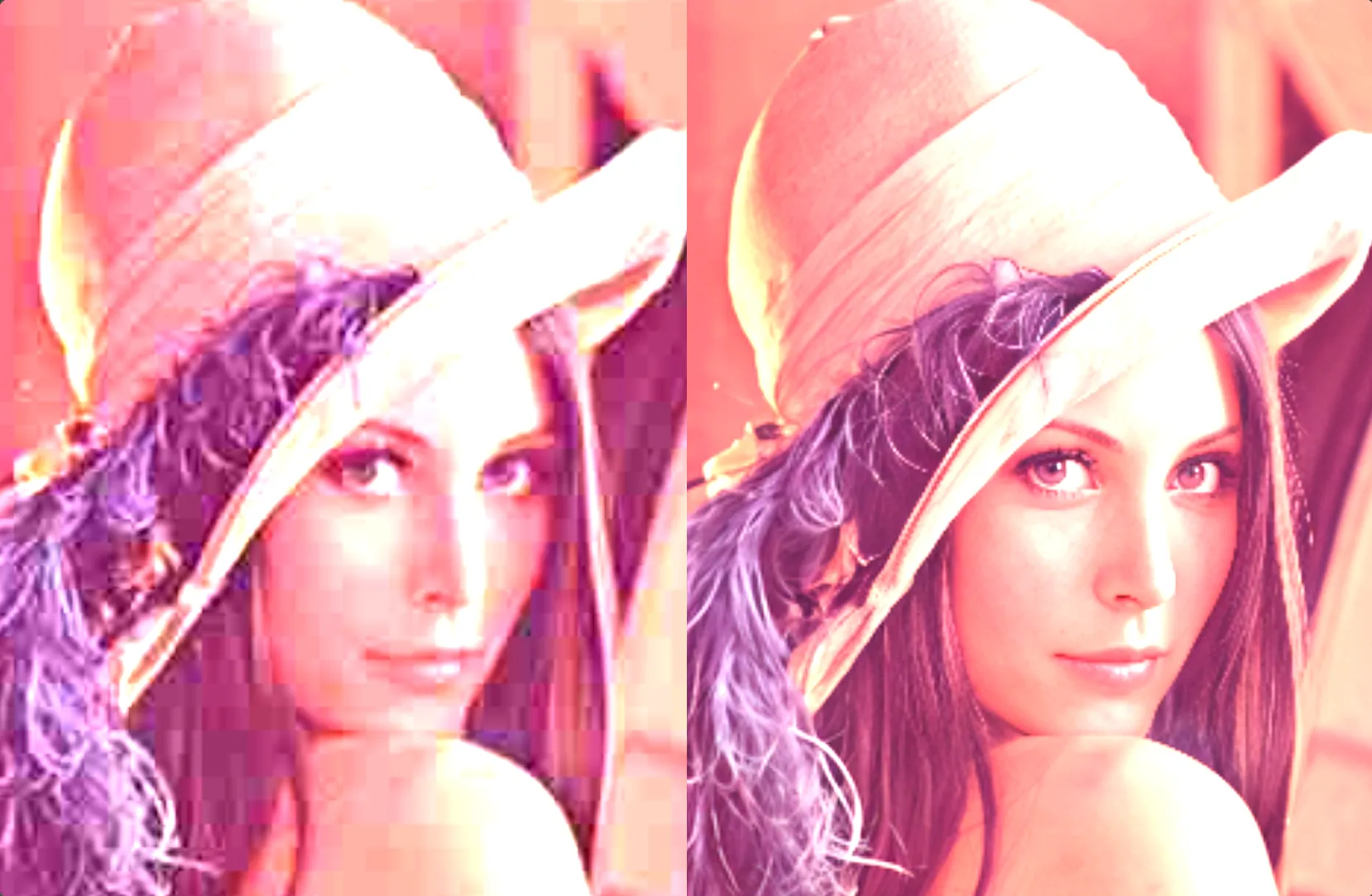
Instantly fix pixelated, compressed, and low-quality images

Our tailor-made image unblur AI models are perfect for removing pixelation, visual artifacts, and jagged lines from your photos.
Before
After
Compare
Enhanced by
Drag to reveal

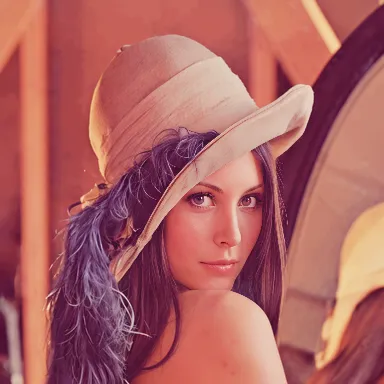
Fix pixelated images

Pixelation on images can occur when the image has been compressed, degraded, or was created in certain suboptimal circumstances. Instantly fix pixelation and improve the quality of any such image with Topaz Labs' easy-to-use web platform.

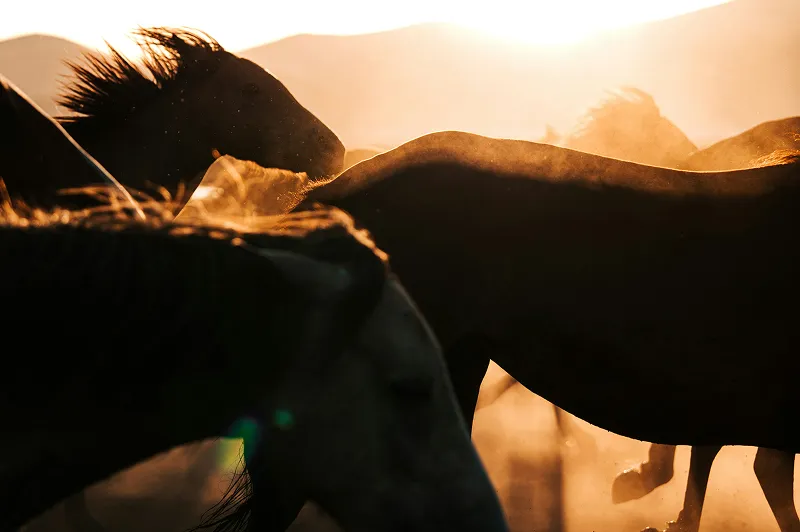
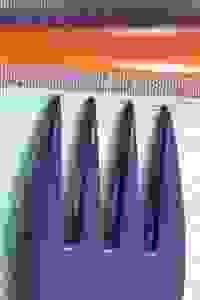
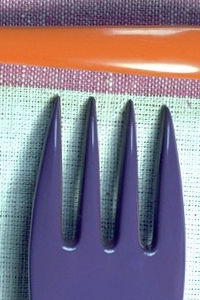
Sharpen highly compressed images

Sometimes you need to work with low-quality, old, and highly compressed images in your workflow. Our advanced image AI can recover and drastically enhance the quality of these types of images.
Before
After
Compare
Enhanced by
Drag to reveal

Topaz Labs is trusted by professionals across the world.

Sandra Moss
Trustpilot Review

“Fabulous software that gets better with every version. [It] is the best for removing noise and sharpening images! I love that I know I can fix a flaw with little effort with Topaz.”

BillG414
Trustpilot Review

"The Topaz products have changed the way I shoot and edit. I now extend my ISO way beyond what I thought was acceptable because Topaz AI can remove most noise and maintain sharpness in images I would have tossed before. And, Gigapixel AI doubles the resolution of almost any image in my library. I couldn't live without these programs!"

Dennis
Trustpilot Review

"In the past few years I have been using Topaz programs, the company has introduced many, many upgrades that have significantly improved what each of the programs in their suite can do. Topaz is dedicated to their users, and that to me makes Topaz worthy of 5 stars."

David Murray
Trustpilot Review

“I started using Topaz for the possibility of rescuing 'almost-made-its' and was well pleased. Soon found that even the best shots could be improved, and as a result now use it on all of my 'keepers'. Brilliant!”

Frequently Asked Questions

Fixing Pixelated Images FAQs

What causes pixelation in images?

How does Topaz Labs fix pixelated images?

What makes Topaz Labs the best tool for fixing pixelated images?

More from Topaz Labs.

Desktop Apps

Topaz Video

Cinematic superpowers. Ultra smooth. Sharp. Steady.

Topaz Photo

Image enhancement made for on-location photographers.

Topaz Gigapixel

Super scale any image with AI. Like magic.

Cloud Apps
Logo for the AI upscaling web app called Bloom

Bloom

Creative upscaling for art and AI creations

Astra

Upscale AI-generated video to crisp 4K resolution

Mobile Apps

Gigapixel iOS

Magically recover faces. Fix focus. Sharpen. Zoom and upscale.

Express Tools
More

Topaz Labs API

Integrate world-class image and video upscaling, enhancement, and restoration into your website or application.