New
Web Apps


Desktop Apps



Need product and account support?
Contact support team
New
Web Apps
Desktop Apps
Need product and account support?
Contact support team

Industry-leading image enhancement models in one simple-to-use online platform.
We ran a set of demanding source images through five of the most-used AI upscalers and compared detail reconstruction and texture fidelity at full zoom. While each of the contenders had their own pros and cons, certain platforms stood out more than others, especially in terms of image quality and faithfulness to the original images. Overall, we were pleased at the amount of viable options out there. The takeaway: you no longer need powerful hardware or a per-image credit meter to get top-tier quality.
The platforms tested include Topaz Labs' Image Web, Let's Enhance, Upscayl, VanceAI, and Remini.
Quality was the primary test criterion. We upscaled a set of demanding source images and compared every result at 100% zoom, judging each on how much real detail it reconstructed versus how much it smoothed or invented.
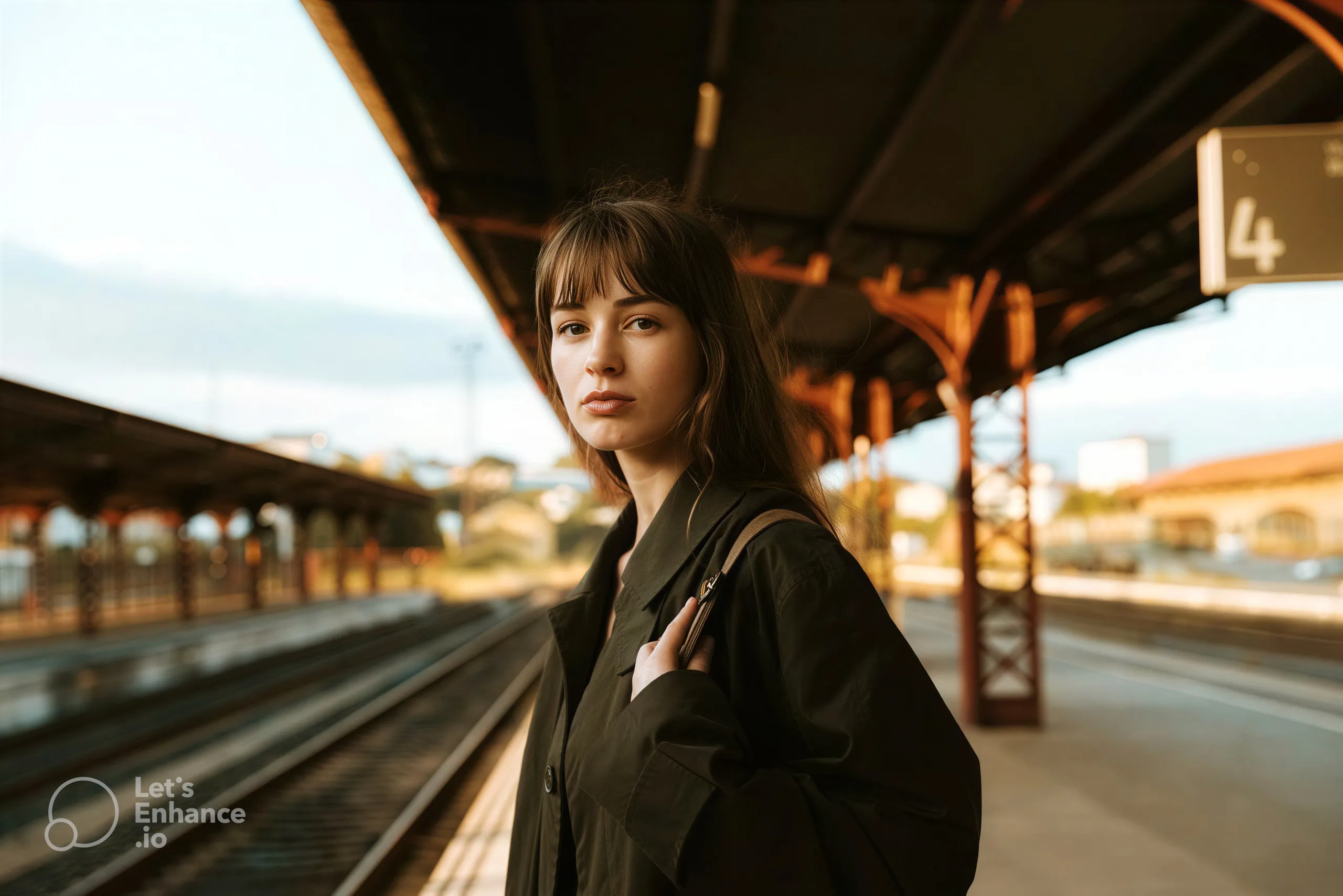
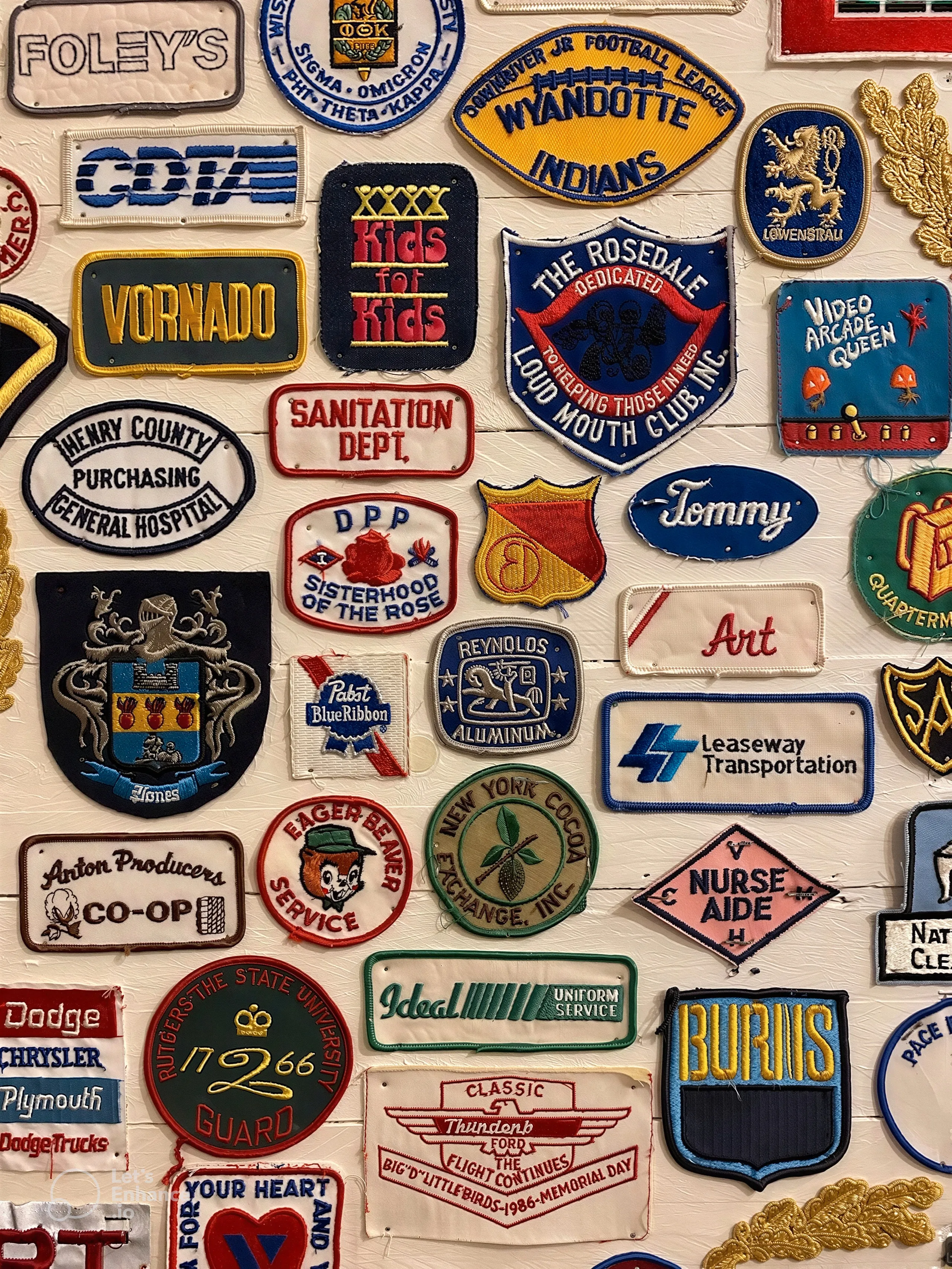
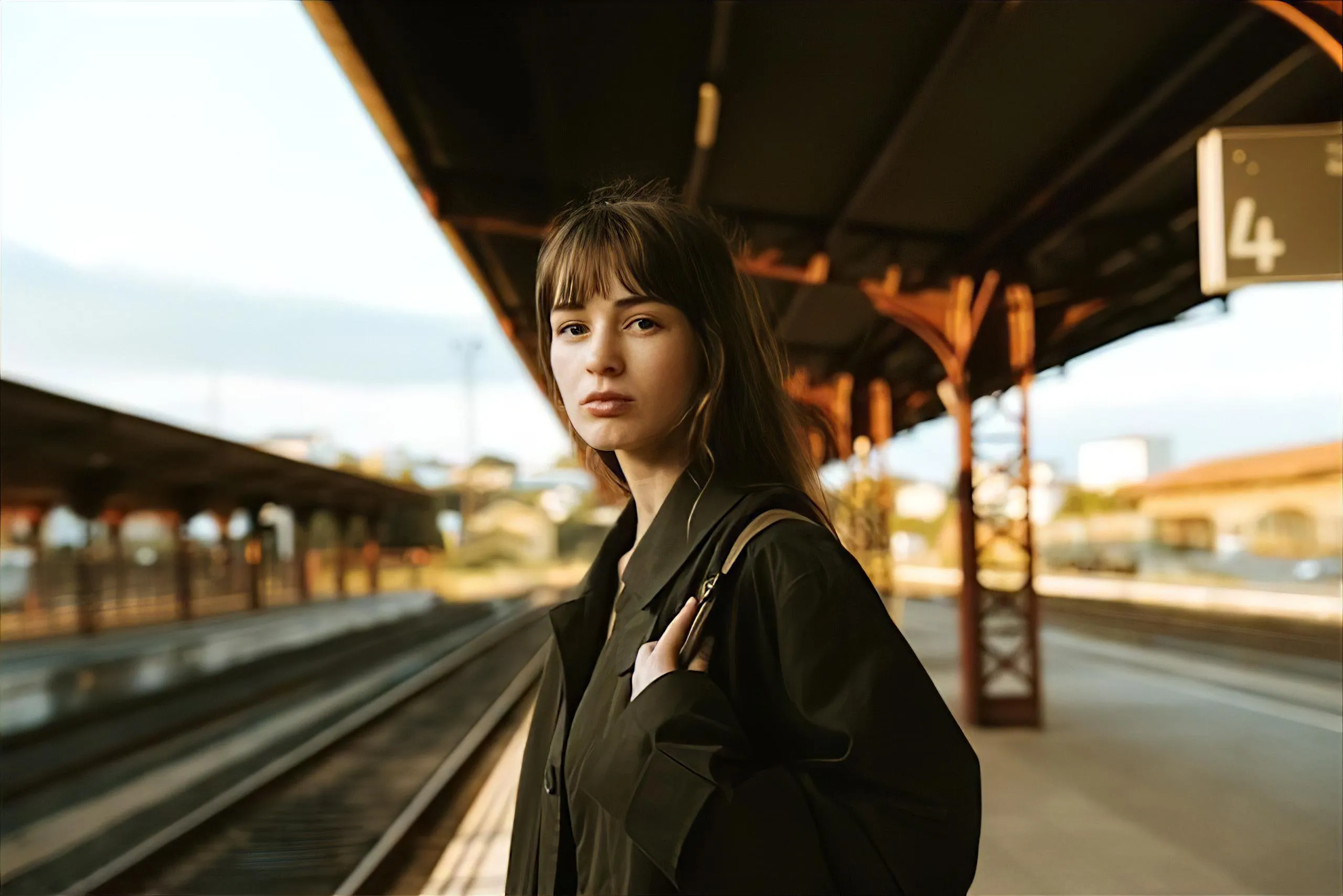
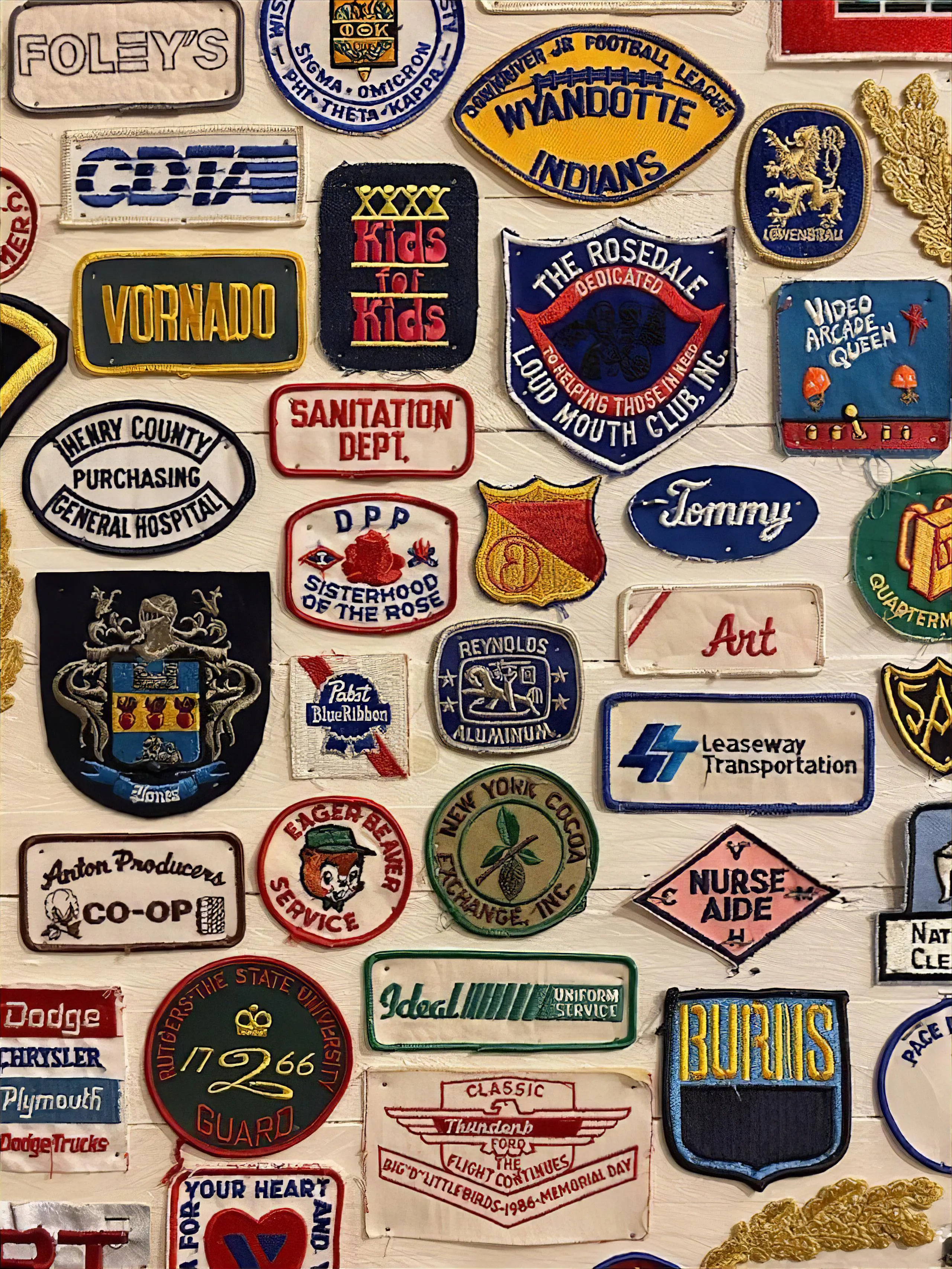
We chose the set to stress fine detail: vintage embroidered patches, with tight satin-stitch thread, woven fabric, small serif and script lettering, and logos, plus a low-resolution portrait to test faces. Embroidery is particularly unforgiving, as we will see in the upcoming samples. A tool either rebuilds the individual threads or smooths them into mush, and small lettering shows immediately whether a tool stays faithful to the source or invents detail.
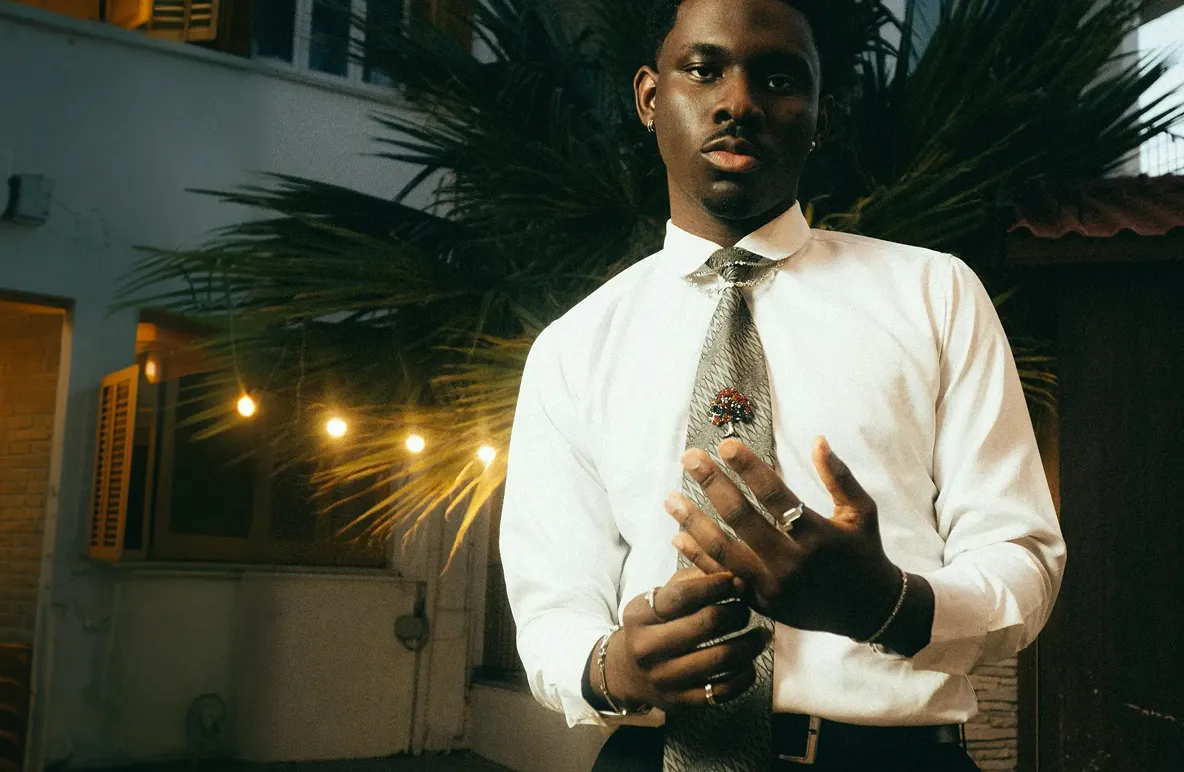
Here are the two sample images we ran through each platform:

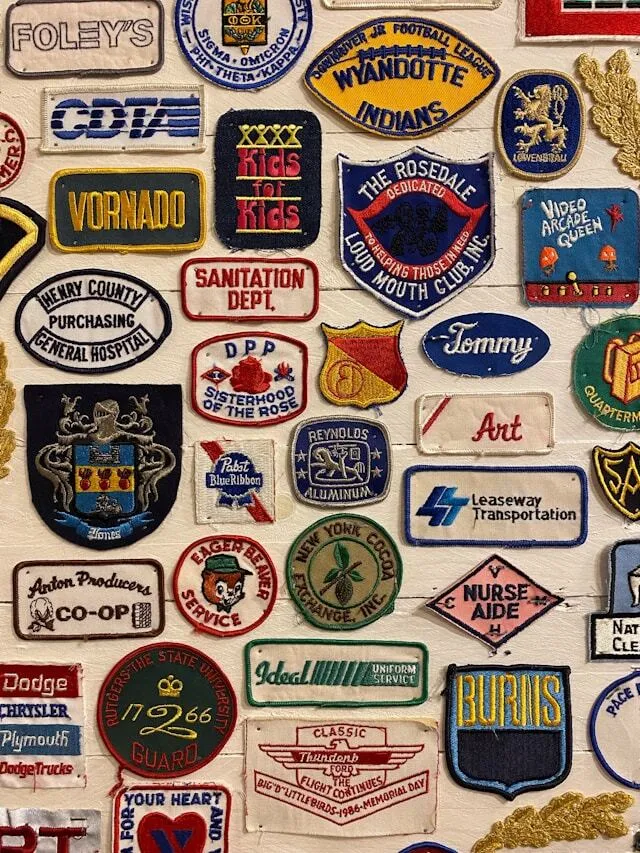
With these two sample images, we cover a wide range of subject matter including facial detail, hair, and lighting as well as fine detail, defined text, and difficult fabric textures.
Here's a comparison of all results laid out side by side. First, results from our sample image #1:
%20(1).webp)
Next, here are zoomed in portions from the sample image #2 for a closer look at the fine details and textures.
%20(1).webp)
%20(1).webp)
%20(1).webp)
At first glance, it's clear that each platform has pronounced differences in quality, fidelity, and precision.
Now let's go over each platform's results and assess the quality and experience.


.webp)
-white.svg)
In our test, Topaz Image Web delivered the most faithful upscale of any tool. On the embroidered patches it reconstructed individual satin-stitch threads and the woven fabric behind them with the most natural texture in the group, and it kept small lettering, from REYNOLDS ALUMINUM to LITTLE BIRDS-1980 to the Pabst Blue Ribbon script, crisp and legible without inventing artifacts. On the portrait it produced the most natural skin and hair, with sharp eyes and eyelashes, while keeping the subject's real features intact rather than beautifying them. The reason it competes at the top is that it runs Topaz's most powerful models, including Wonder 3 and Denoise Max, in the cloud, so you get pro-grade model quality without needing powerful hardware.
It works in any browser with drag and drop, renders every model at full speed in the cloud regardless of your machine, and is built to batch render with Auto Pilot choosing settings per image. For upscaling specifically, it offers Standard Upscale for faithful resolution increase and Creative Upscale for adding generative detail. Topaz's models are tuned to preserve creative intent, visual style, and identity, so detail is reconstructed rather than invented.
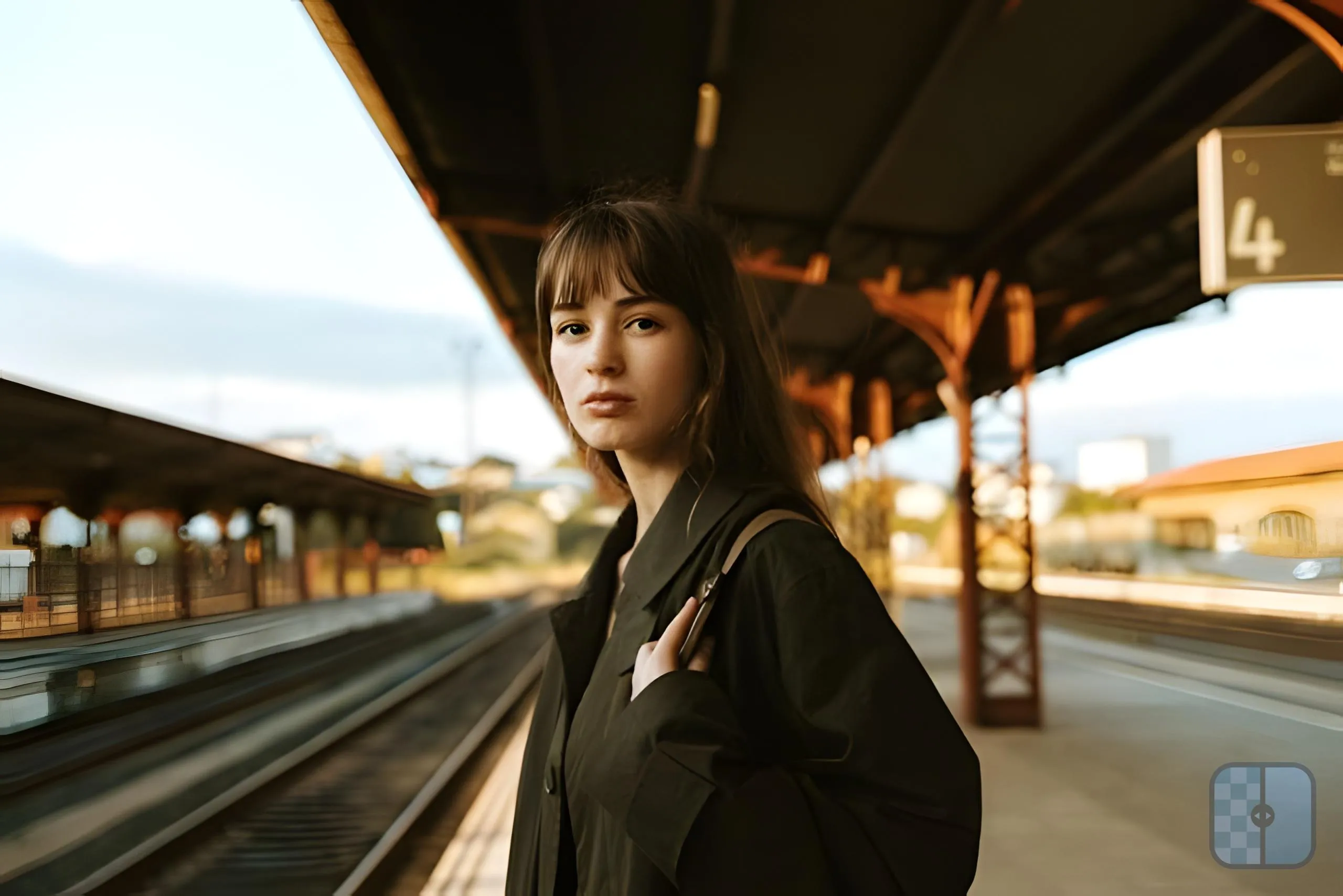
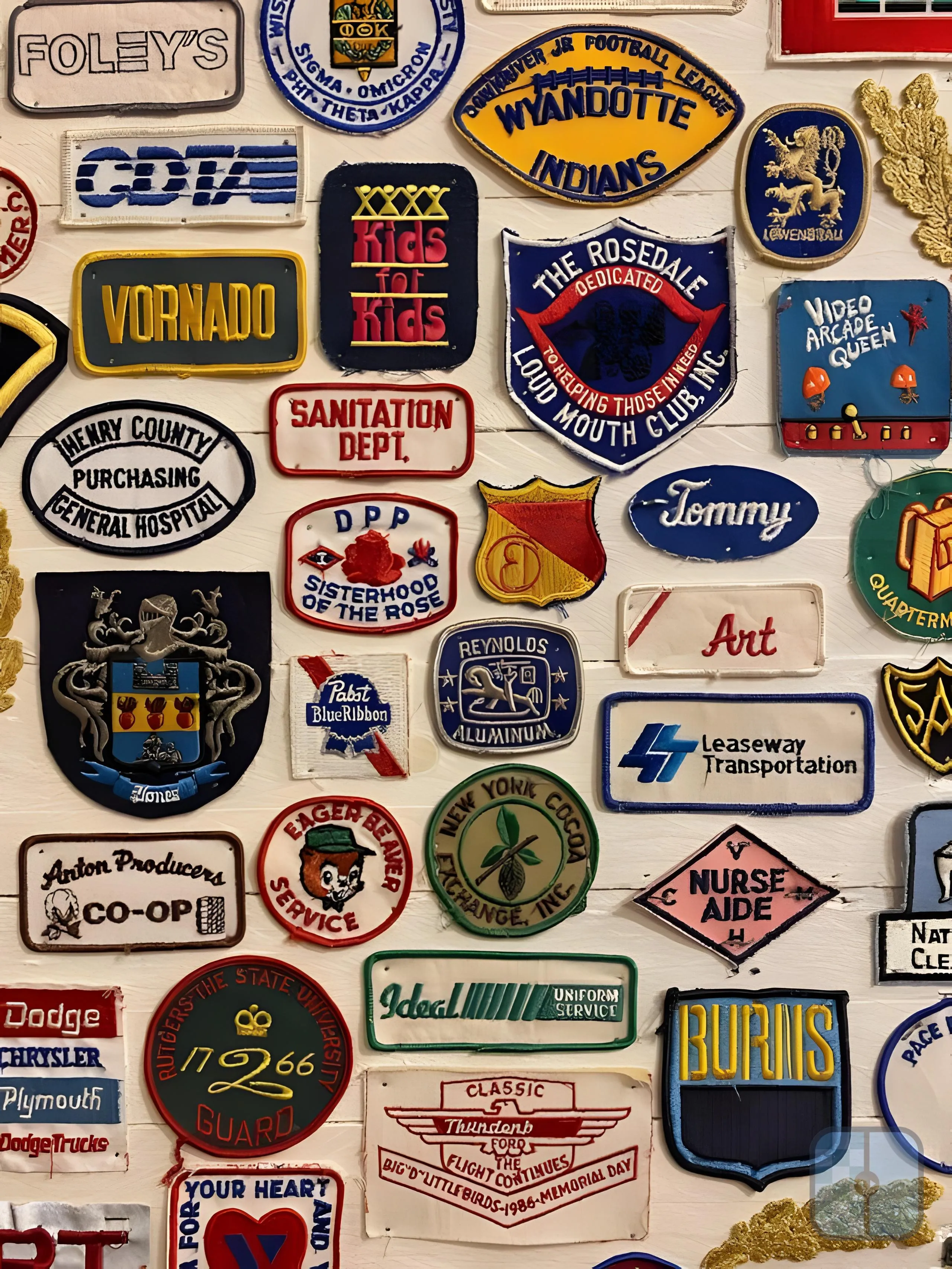
In this next test, Let's Enhance was the closest competitor. It kept text and logos sharp and legible and reconstructed the embroidery cleanly, but its thread and fabric texture came out slightly smoother and flatter than Topaz's, and it lightened and warmed the backgrounds. On the portrait, it produced a clean, sharp face that leaned toward smoothed, idealized skin that looked a bitplasticky. We got clean, useable results with a noticeable amount of overly-generative detail and texture especially on the nose.
It runs in the browser with content-specific models and a high maximum output resolution, which makes it a competent browser-based competitor. The main differences against Topaz Image Web are the model lineup and the pricing structure: Let's Enhance runs on a credit and subscription system, while Image Web offers unlimited cloud rendering.
We found that Upscayl was the standout free result. Edges, outlines, and lettering came out crisp, which kept the logos readable, but it flattened the woven thread into a smoother surface and gave the patches a slightly plasticky finish. On the portrait, skin looked a touch waxy under zoom. Impressive for a free tool, with clearly less micro-texture than the paid options. It is a free, open-source upscaler built on Real-ESRGAN and related models. All in all a solid option for casual usage, but those looking for a more professional result will want to look elsewhere.
Free downloads carry a small Upscayl badge rather than a destructive watermark.
VanceAI produced sharp, detailed output but over-processed it. It held more thread texture than Upscayl, yet it pushed contrast and saturation hard so the yellows and reds ran hot and introduced a gritty, slightly artificial edge with occasional haloing. On the portrait, the extra contrast comes across as harsh. Both results were detailed but in a heavy-handed sort of way, less faithful to the source colors.
It's a broad toolkit covering upscaling, denoising, face enhancement, and restoration in the browser, and it is among the stronger options for enhancing AI-generated images.
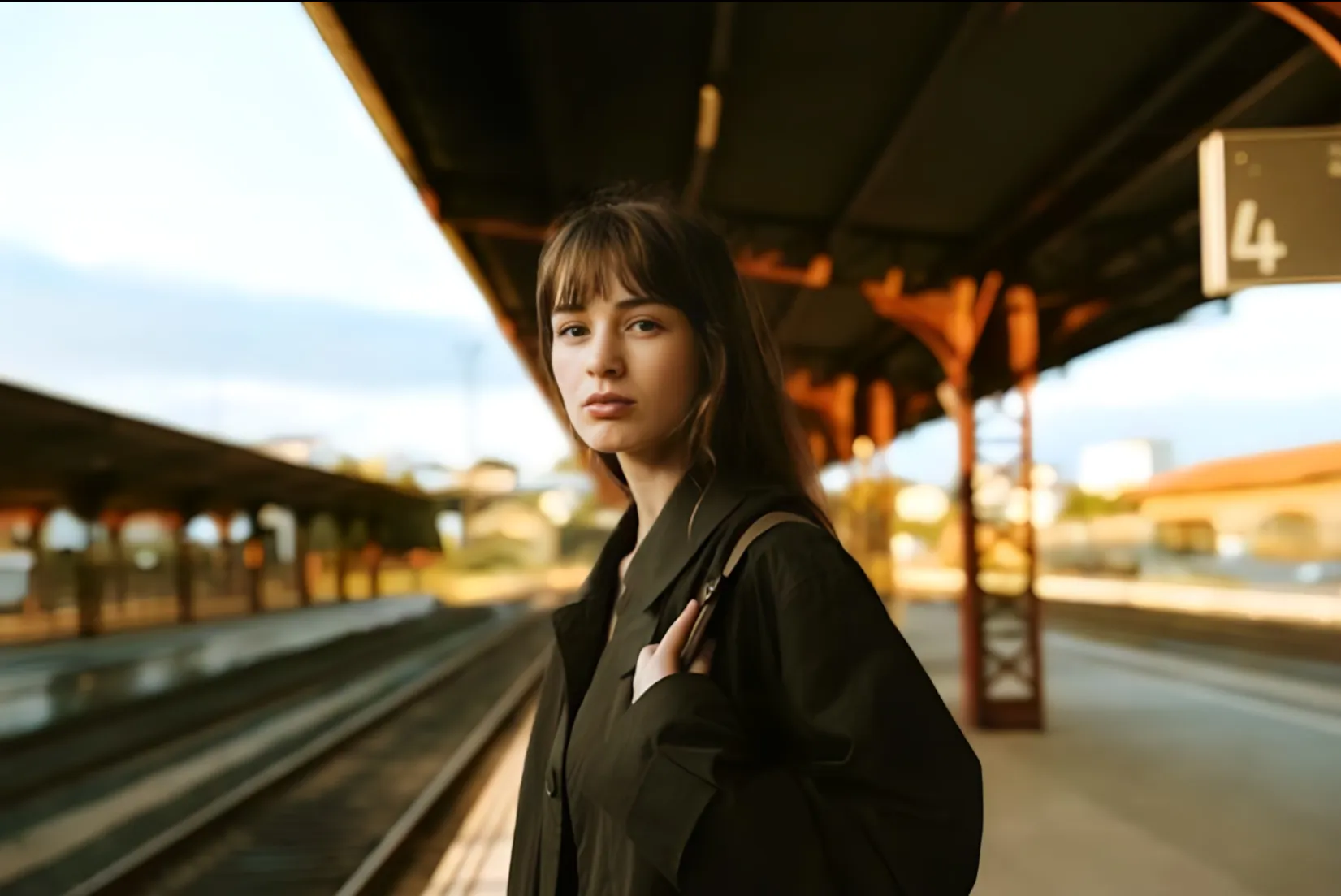
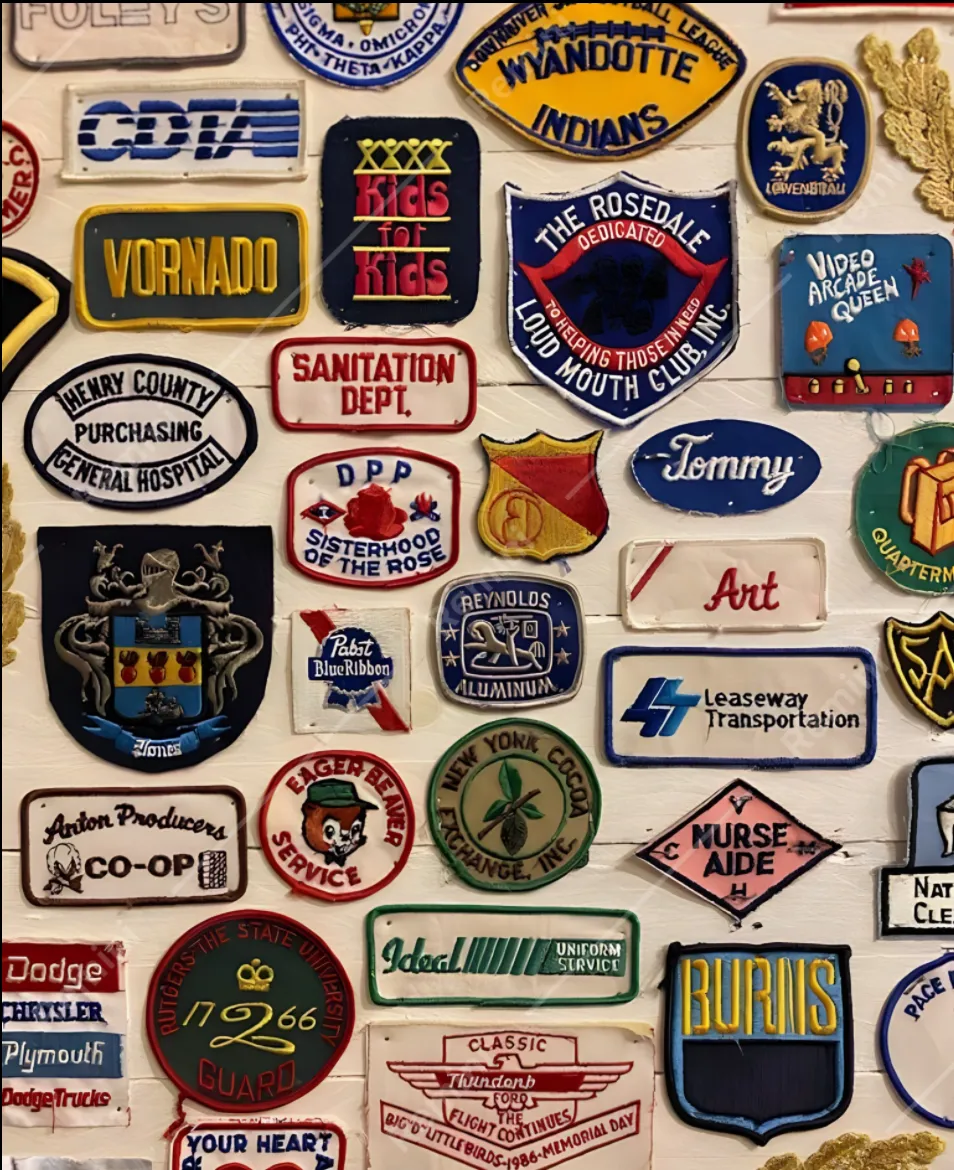
In our test, Remini smoothed aggressively. On the embroidered patches it erased most of the thread and fabric texture, leaving a soft, painted look, and it was the weakest tool on fine detail. On the portrait it delivered a smooth, flattering face, but the skin and eyes looked generated and the result drifted from the subject's real features. Best for a quick, polished face, least faithful for detail and texture. It is a mobile-first enhancer on iOS, Android, and web, and the simplest option for non-technical users, though the approach leans generative.
For the best quality without an install or powerful hardware: Topaz Image Web. Topaz's most powerful models in the browser, unlimited cloud rendering, and withStandard and Creative upscale modes. For most use cases, Topaz presented the best balance between quality and cost.
For the lowest browser-based entry price: Let's Enhance, if a credit model and a $9 starting plan fit your volume.
For the best free quality: Upscayl. The strongest free, open-source result, with no subscription.
For good quality on AI art and mixed web work: VanceAI, for its breadth and handling of generated images. Creative Upscale in Topaz Image Web is the stronger pick for adding detail to AI art.
For quick mobile face fixes: Remini, accepting lower fine-detail quality and smoothed backgrounds.
For the highest detail and texture fidelity, Topaz Image Web is the top pick for most people, because it runs Topaz's most powerful models, including Wonder 3 in the browser with unlimited cloud rendering. In our test, it reconstructed embroidery thread, small lettering, and skin texture more faithfully than any competitor.
Upscayl is the best free result. It uses open-source upscaling models for sufficient quality for casual users.
For the largest output in this comparison, Topaz Image Web Pro renders up to 256 MP in the browser, which covers large-format prints, and it reconstructs detail rather than just stretching pixels so prints stay sharp.
For maximum quality and control, Topaz Labs offers Topaz Gigapixel, a professional-grade desktop app specifically designed for use cases such as large-scale prints.
For AI-generated content, Creative Upscale in Topaz Image Web adds detail while preserving the style of the original, and it runs in the browser. VanceAI and Upscayl also handle illustrations and stylized images well.


© 2005 - 2026 Topaz Labs. All rights reserved.


