{ "@context": "https://schema.org", "@graph": [ { "@type": "Organization", "@id": "https://www.topazlabs.com/#organization", "name": "Topaz Labs", "url": "https://www.topazlabs.com", "logo": "https://cdn.prod.website-files.com/6005fac27a49a9cd477afb63/660d9d94759797eb1f670111_tnb-logo-black.svg", "description": "AI-powered image and video enhancement software company.", "email": "support@topazlabs.com", "address": { "@type": "PostalAddress", "streetAddress": "5100 Belt Line Rd Ste 930", "addressLocality": "Dallas", "addressRegion": "Texas", "postalCode": "75254", "addressCountry": "US" }, "sameAs": [ "https://www.instagram.com/topazlabs", "https://www.youtube.com/topazlabs", "https://x.com/topazlabs", "https://www.linkedin.com/company/topaz-labs/", "https://www.facebook.com/topazlabs/" ] }, { "@type": "BreadcrumbList", "@id": "https://www.topazlabs.com/tools/video-enhancer#breadcrumb", "itemListElement": [ { "@type": "ListItem", "position": 1, "name": "Home", "item": "https://www.topazlabs.com" }, { "@type": "ListItem", "position": 2, "name": "Tools", "item": "https://www.topazlabs.com/tools" }, { "@type": "ListItem", "position": 3, "name": "Video Enhancer", "item": "https://www.topazlabs.com/tools/video-enhancer" } ] }, { "@type": "SoftwareApplication", "@id": "https://www.topazlabs.com/tools/video-enhancer#software", "name": "Topaz Labs AI Video Enhancer", "description": "AI-powered browser-based tool that improves video quality, clarity, and resolution frame by frame. Upscales footage to 1080p or 4K, adds sharpness, boosts frame rates, and removes blur — no software download required. Includes AI model presets for different footage types and real-time preview before rendering.", "applicationCategory": "MultimediaApplication", "operatingSystem": "Web", "url": "https://www.topazlabs.com/tools/video-enhancer", "publisher": { "@id": "https://www.topazlabs.com/#organization" }, "aggregateRating": { "@type": "AggregateRating", "ratingValue": "4.8", "reviewCount": "5423" }, "featureList": [ "Upscale video to 1080p or 4K resolution", "Frame-by-frame AI detail and motion reconstruction", "Relative sharpening for natural clarity enhancement", "Optional frame rate boost via frame interpolation", "Real-time preview before full processing", "Old and archival footage restoration", "Marketing and advertising video enhancement", "Browser-based cloud processing, no download required", "Desktop and mobile web app support" ] }, { "@type": "HowTo", "@id": "https://www.topazlabs.com/tools/video-enhancer#howto", "name": "How to Enhance a Video Online", "description": "Improve the quality, clarity, and resolution of any video in four steps using Topaz Labs' AI Video Enhancer — directly in your browser.", "totalTime": "PT5M", "step": [ { "@type": "HowToStep", "position": 1, "name": "Upload video file", "text": "First, upload any video you want to enhance." }, { "@type": "HowToStep", "position": 2, "name": "Adjust video output settings", "text": "Select desired output settings. Choose 1080p or 4K resolution, and apply optional frame rate adjustments." }, { "@type": "HowToStep", "position": 3, "name": "Process your video", "text": "Begin processing your video with the selected enhancements." }, { "@type": "HowToStep", "position": 4, "name": "Download enhanced video", "text": "Download your newly processed and improved video. It won't have watermarks and is ready for use anywhere." } ] }, { "@type": "FAQPage", "@id": "https://www.topazlabs.com/tools/video-enhancer#faq", "mainEntity": [ { "@type": "Question", "name": "What is Topaz Labs?", "acceptedAnswer": { "@type": "Answer", "text": "Topaz Labs is an AI-focused image and video enhancement company with over 20 years of experience in the industry. Used by more than 3 million users and trusted by several of the largest companies in the United States, Topaz Labs develops specialized AI models that produce results that look genuinely natural rather than artificially processed. Topaz Labs offers both professional-grade desktop applications as well as browser-based tools." } }, { "@type": "Question", "name": "What is Topaz Labs' video enhancer?", "acceptedAnswer": { "@type": "Answer", "text": "Our Video Enhancer tool is the best solution for improving the quality, clarity, and resolution of any video. It uses advanced AI models alongside our 20+ years of experience in the video industry to produce the best results for video enhancement. It combines upscaling, sharpening, and frame rate enhancement into a single workflow, allowing you to transform low-resolution, blurry, or choppy footage into sharp, high-quality output at up to 4K resolution." } }, { "@type": "Question", "name": "How does video enhancement work?", "acceptedAnswer": { "@type": "Answer", "text": "Topaz Labs' video enhancer processes your video frame by frame using a deep learning engine trained on millions of real-world video clips. For each frame, the AI analyzes the existing content, identifying edges, textures, motion patterns, and fine detail, then reconstructs a higher-resolution version that adds genuine new detail rather than simply scaling up what's already there. The result is a video that looks sharper and clearer at a larger size, without the soft blurring or pixelation that happens when you resize footage in standard editing software. Relative sharpening can be applied on top of this to further refine edges and bring out original detail, and optional frame interpolation can be added to smooth out motion simultaneously." } }, { "@type": "Question", "name": "What makes Topaz Labs' video enhancer better?", "acceptedAnswer": { "@type": "Answer", "text": "Most video enhancement tools apply a single broad filter or stretch footage to a larger size, which adds resolution without adding genuine quality. Topaz Labs' Video Enhancer takes a fundamentally different approach: its AI models reconstruct video frame by frame, recreating the fine detail and natural motion that was originally captured rather than approximating it. The tool also combines multiple enhancement capabilities in a single pass, including upscaling, sharpening, frame rate boost, and noise reduction, so separate tools aren't needed for each problem. It is backed by over 20 years of AI research and development specifically focused on image and video quality, a depth of expertise that generic enhancement tools don't have. The result is output that holds up at full resolution and looks like it was shot that way, not processed after the fact." } }, { "@type": "Question", "name": "How does Topaz's enhancement differ from simple upscaling?", "acceptedAnswer": { "@type": "Answer", "text": "Simple upscaling, which is what most tools do, works by stretching the existing pixels in a video to fill a larger frame. The result is a bigger image, but not a better one: edges go soft, fine details blur, and footage often looks artificially smoothed. Topaz uses a different approach. Its AI models are trained on millions of real video frames and analyze footage frame by frame, reconstructing detail that was never fully captured in the original, rather than stretching what's there. The result is a video that looks genuinely cleaner and sharper, not just larger." } }, { "@type": "Question", "name": "What video formats are supported?", "acceptedAnswer": { "@type": "Answer", "text": "The Topaz Video Enhancer accepts MP4 files. Once enhanced, videos can be downloaded as MP4, which is compatible with virtually every media player, platform, and editing application. For additional output formats needed in professional workflows, Topaz Video, the desktop app, supports a broader range of codecs and containers including ProRes, MKV, and more." } }, { "@type": "Question", "name": "Can I enhance a video that's already in HD or 1080p?", "acceptedAnswer": { "@type": "Answer", "text": "Yes. While the most visible improvements come from lower-resolution source footage, HD and 1080p videos still benefit from the enhancer's sharpening, clarity, and frame rate features. If 1080p footage is soft, slightly blurry, or shot at a low frame rate, the video enhancer can improve all of these while outputting at 4K. If footage is already sharp and well-shot, the improvement will be more subtle, and the preview feature is the best way to evaluate results before processing the full video." } }, { "@type": "Question", "name": "Can I enhance old home videos, VHS footage, or 8mm film transfers?", "acceptedAnswer": { "@type": "Answer", "text": "Yes, this is one of the video enhancer's strongest use cases. Older footage typically suffers from multiple quality issues simultaneously, including low resolution, visible grain and noise, color degradation, and low frame rates. The Old Video AI preset is specifically designed for this type of content and handles the combination of noise, degradation, and low detail better than the Standard preset. For VHS transfers and 8mm film, the AI can recover significant detail and substantially improve watchability, though the quality of the original digitization affects how much improvement is possible." } }, { "@type": "Question", "name": "What types of videos can I enhance?", "acceptedAnswer": { "@type": "Answer", "text": "The video enhancer works on a wide range of source footage. Videos originally captured at 360p, 480p, or 720p are strong candidates, since the AI has the most room to reconstruct detail and the improvement is most visible at these resolutions. Old or archival footage, home videos, VHS transfers, 8mm film digitizations, and drone footage captured at lower quality settings all respond well. Blurry or soft footage, even at higher resolutions, also benefits from the sharpening and clarity improvements the tool applies. The tool is less impactful on video that is already sharp and at full HD or 4K resolution, though the sharpening and frame rate features still apply in those cases." } } ] } ] }
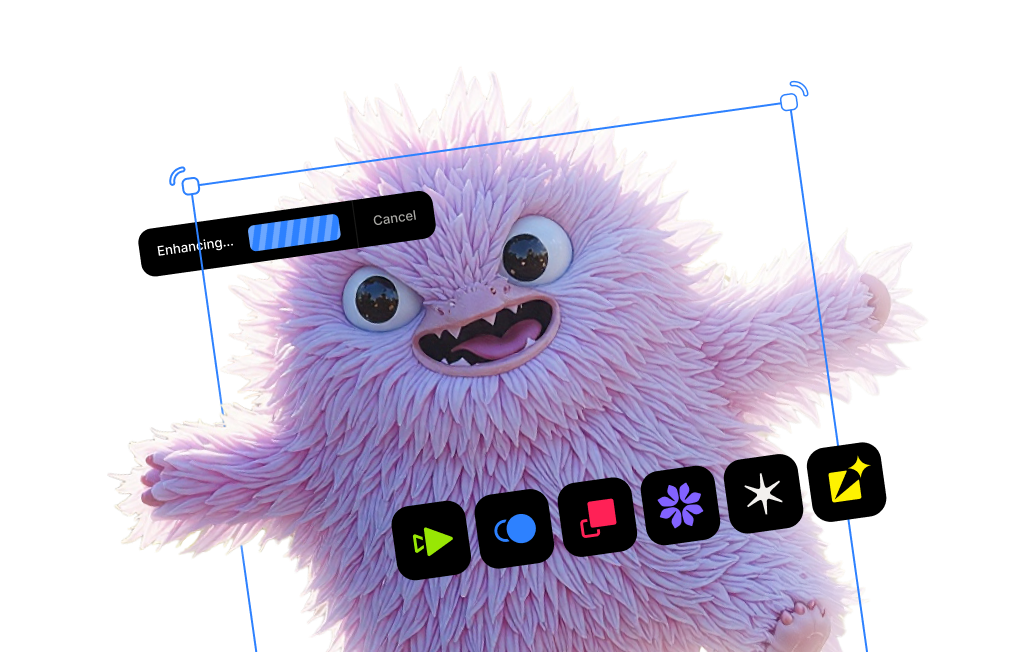
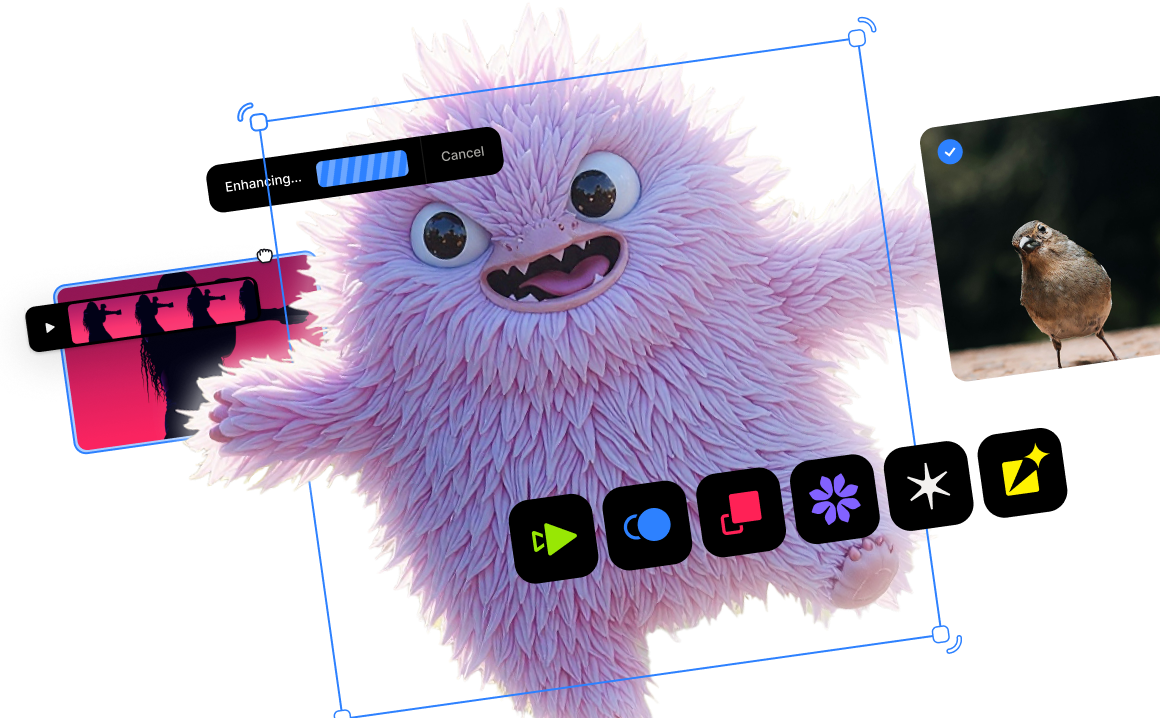
Photo being dragged and dropped into the screen to be upscaled

Enhance video quality now.

Test link icon, in blue
Unprocessed Image
Enhanced
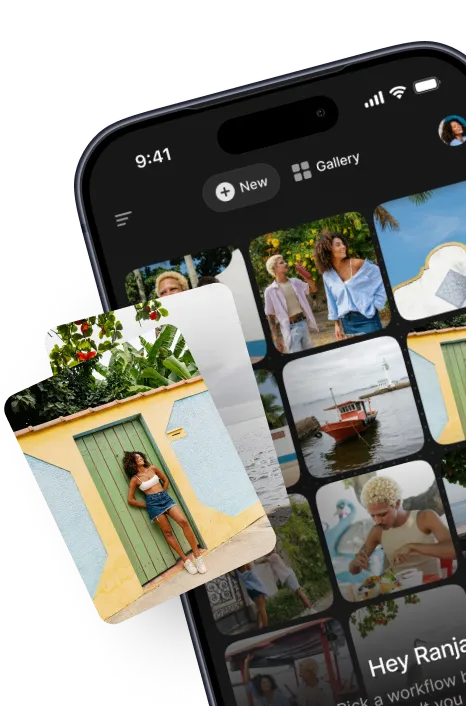
Powerful AI models—Now on your iPhone. Topaz for Mobile, now available.

Need product and account support?

video upscale icon

Video Enhancer

AI Video Enhancer. Improve Video Quality, Frame-by-Frame.

Experience the highest-quality video enhancement right from your browser. Transform old blurry videos into high-resolution assets with unmatched clarity and sharpness using AI-powered precision.

With over 20 years of experience in professional video enhancement, Topaz Labs' technology has been proven best in industry. Our video technology has been used in award-winning shows, movies, and documentaries. Try the best video quality enhancer right in your browser now.

Enhance video quality now

Try now - No watermarks.

Richard S
Trustpilot Review

"The product enables me to upgrade my poor quality home videos."

Topaz Labs is used by 3 million users and over 50 of the largest companies in the United States.

How to improve your video quality online:

Our cutting-edge AI upscaling, utilizing a deep learning engine trained on millions of video frames, enhances detail and motion frame by frame, far exceeding basic video stretching. Elevate your video to 1080p or 4K without losing visual quality or introducing unwanted artifacts.

Why enhance videos with Topaz Labs:

Unlike most tools that can stretch and distort your videos, our AI video enhancer takes the smarter approach by recreating fine details, sharpening motion, and improving native resolution. The difference is clear, whether it's for old footage or new.

Check mark
Max-resolution output

Transform low-res content by up to 4x native resolution with no loss in quality.

Check mark
No jagged edges or artifacts

Our exclusive AI research outputs the highest quality video available.

Check mark
Increase frame rates

Give your choppy videos a frame rate boost for smoother motion.

Check mark
Recreates fine detail

Our AI models capture and recreate all the minute details present in the input.

Key features:

Professional-grade quality

Topaz is used by leading professionals for serious work.

Boost video frame rate

Smooth out motion with available frame interpolation features - 30 fps, 60 fps, and more.

Preview before processing

See how your video will look before processing.

Multiple output options

Select 1080p or 4K resolution output for your video - upscale with no loss in quality!

Tailor-made AI model presets

Choose from different AI models tailored to your specific video type.

Improve the quality of any video.

Mark O'Brien
Trustpilot Review

"Topaz is a must-have for any professional photographer and videographer."

Compare

Old footage

Topaz is perfect for restoring old or degraded video footage.

Compare

Social media content

Takes influencer and creator content to the next level in terms of visual quality and polish.

Compare

Promotional & marketing content

Upgrade your product shots or marketing footage to professional levels.

Compare

Everything else

Fix blurry videos, sharpen ordinary footage, enhance videos of special occasions, and so much more.

Who can use the Topaz Video Enhancer?

Everyday users

Restore life to older, low-quality family footage and clips.

YouTubers & creators

Bring video content to the next level with minimal time commitment.

Companies & brands

Elevate advertising campaigns & promotional content.

Videographers & editors

Make previously unusable clips and footage into high-quality useable assets.

Over 3 million happy customers.

customer
Trustpilot Review

"I'm redoing some old videos through Topaz. I windsurf and in some of the footage I'm 1km away and pixellated.
After redoing the whole clip through Topaz the bad bits have gone from 40% ok to 80% and quite passable. The whole video looks heaps better."

John
Trustpilot Review

"easy to learn, watched a couple of youtube videos to see what it could do. I was convinced and bought the package. I found that AI video could greatly improve 8mm film that I had captured, took out the grain, sharpened up the image and stabilized the jitters."

Colin
Trustpilot Review

"Excellent software, very stable and easy to use. Quality of video enhancement keeps getting better with successive updates. Support gives prompt and personalised responses with helpful advice (unlike some I could mention). Developers are responsive to requests from users with their updates. This is AI doing what AI is best at."

Vadim Perosov
Trustpilot Review

"Top software on the market. Saved me some really bad quality video. And the support is great. I'm video editor and Topaz saved me huge headaches with a couple projects"

Topaz Video Enhancer FAQs

What is Topaz Labs?

What is Topaz Labs' video enhancer?

How does video enhancement work?

What makes Topaz Labs' video enhancer better?

How does Topaz's enhancement differ from simple upscaling?

What video formats are supported?

Can I enhance a video that's already in HD or 1080p?

Can I enhance old home videos, VHS footage, or 8mm film transfers?

What types of videos can I enhance?

More from Topaz Labs.

Desktop Apps

Topaz Video

Cinematic superpowers. Ultra smooth. Sharp. Steady.

Topaz Photo

Image enhancement made for on-location photographers.

Topaz Gigapixel

Super scale any image with AI. Like magic.

Cloud Apps

Astra

Upscale AI-generated video to crisp 4K resolution

Logo for the AI upscaling web app called Bloom

Bloom

Creative upscaling for art and AI creations

Mobile Apps

Topaz for Mobile

Powerful AI enhancements and workflows on your iPhone.

Tools
More

Topaz Labs API

Integrate world-class image and video upscaling, enhancement, and restoration into your website or application.