New
Web Apps




Desktop Apps



Need product and account support?
Contact support team
New
Web Apps
Desktop Apps
Need product and account support?
Contact support team

Before
After
Drag to reveal
New at topaz labs

This release of video enhancements marks a new era of model families. They offer faster processing, unmatched realism, and up to 4K results locally and in the cloud for many different video types—from AI-generated footage to animation and a wide range of live action.
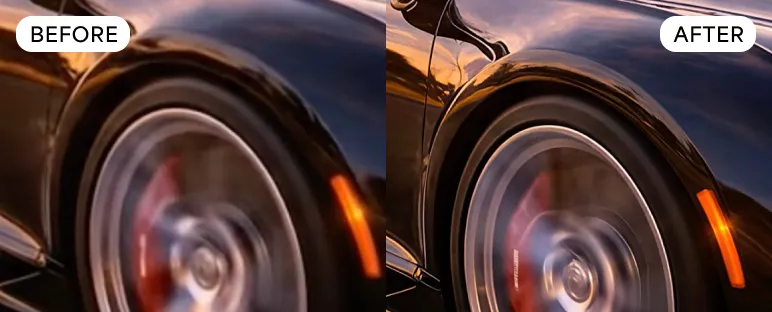
Improve realism and reduce plastic, artificial looking artifacts while upscaling footage from the latest GenAI models to 4K. Outputs present more natural facial details, as well as realistic textile structure and clarity in text. Newest generation can also help restore modern archival content.
Currently available in Astra via cloud only.
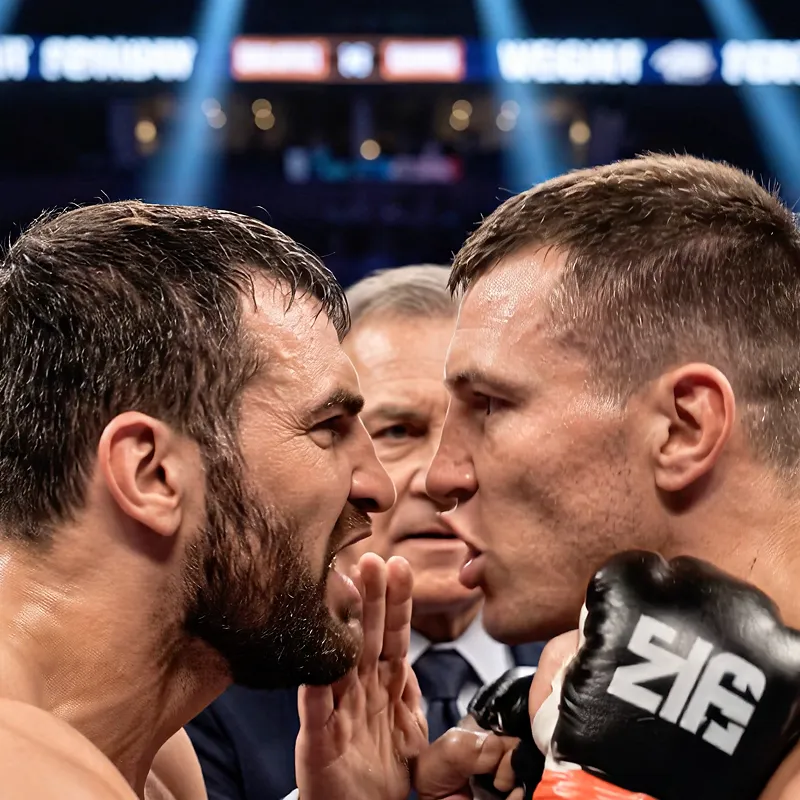
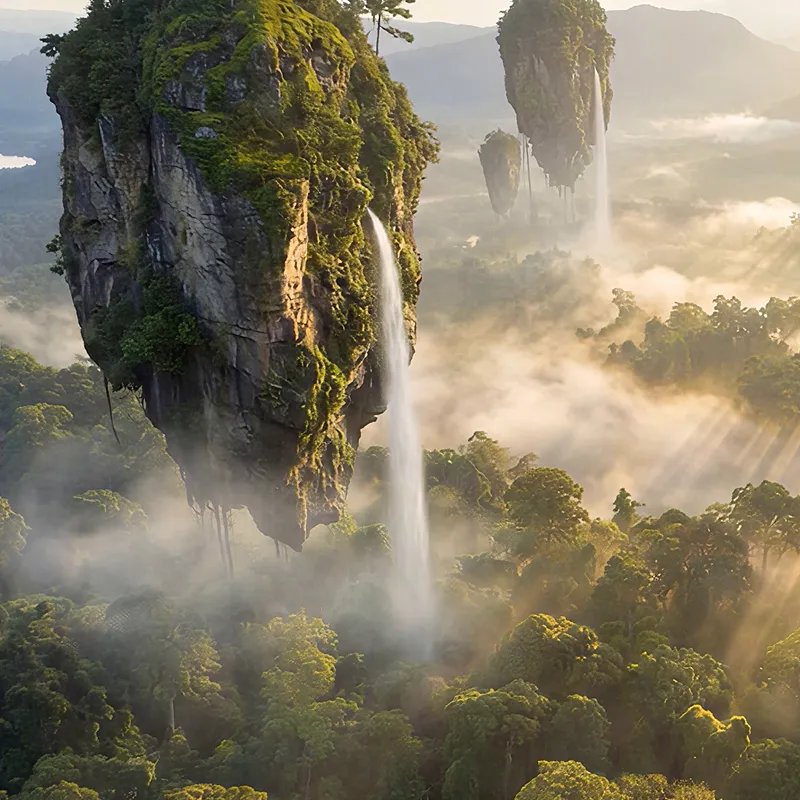

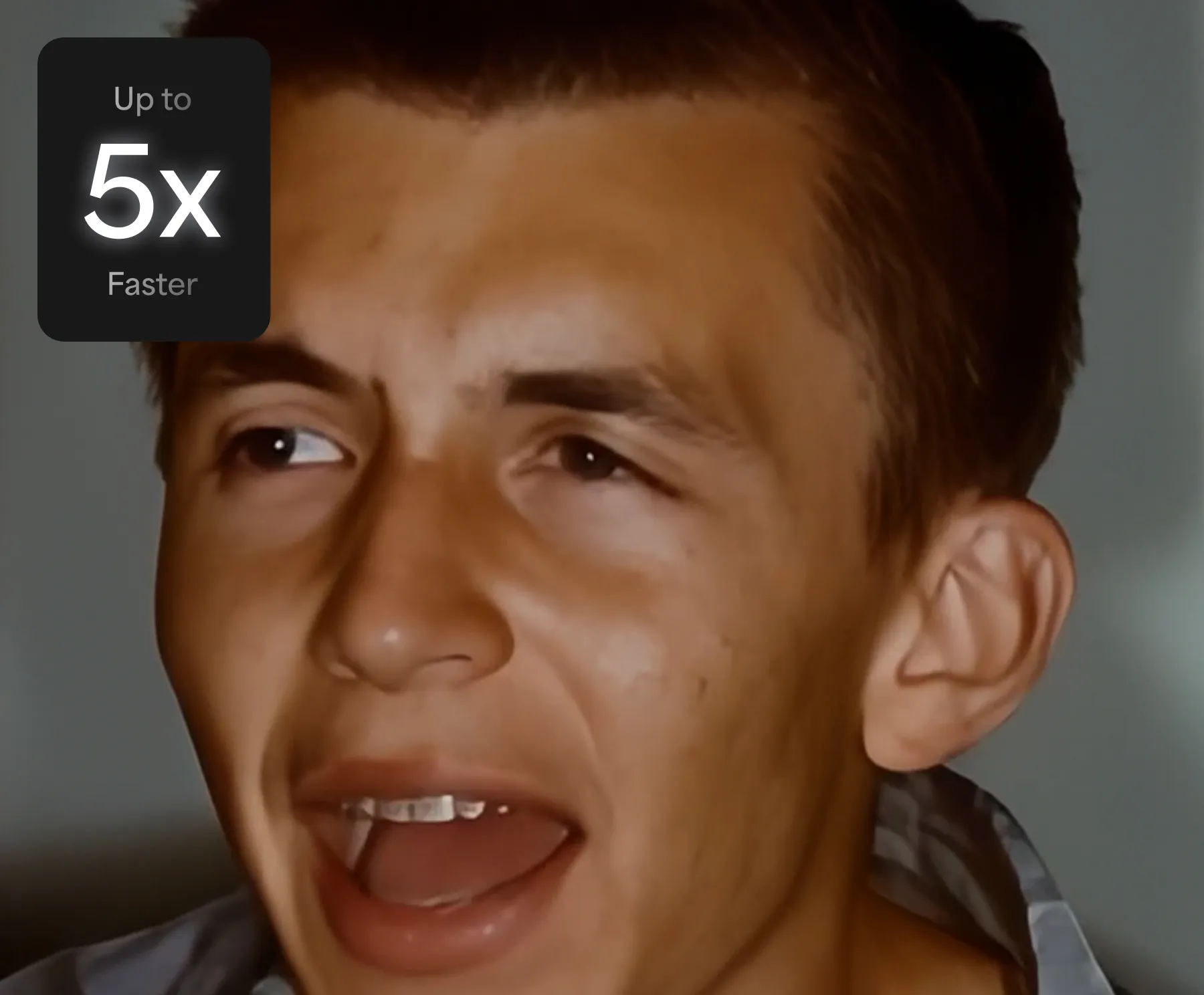
This local diffusion models brings more processing speed directly to your machine—3-5x faster than Starlight Mini. Achieve superior outputs with natural, realistic results in a wide range of videos and conditions.
Currently supported in Topaz Video Pro on NVIDIA (16GB GPU minimum, 32GB GPU recommended). Cloud export also supported.

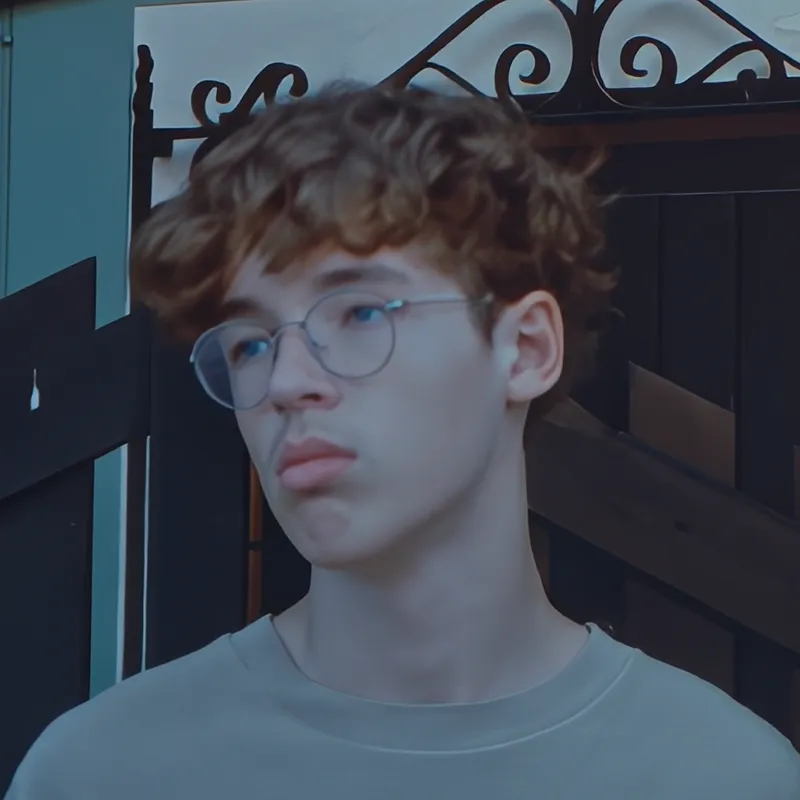
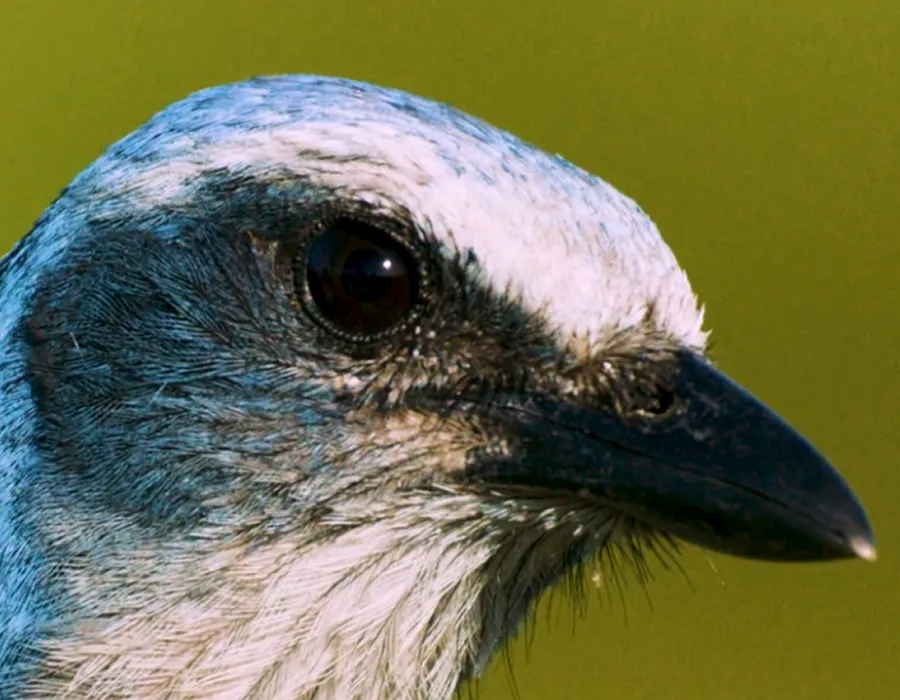
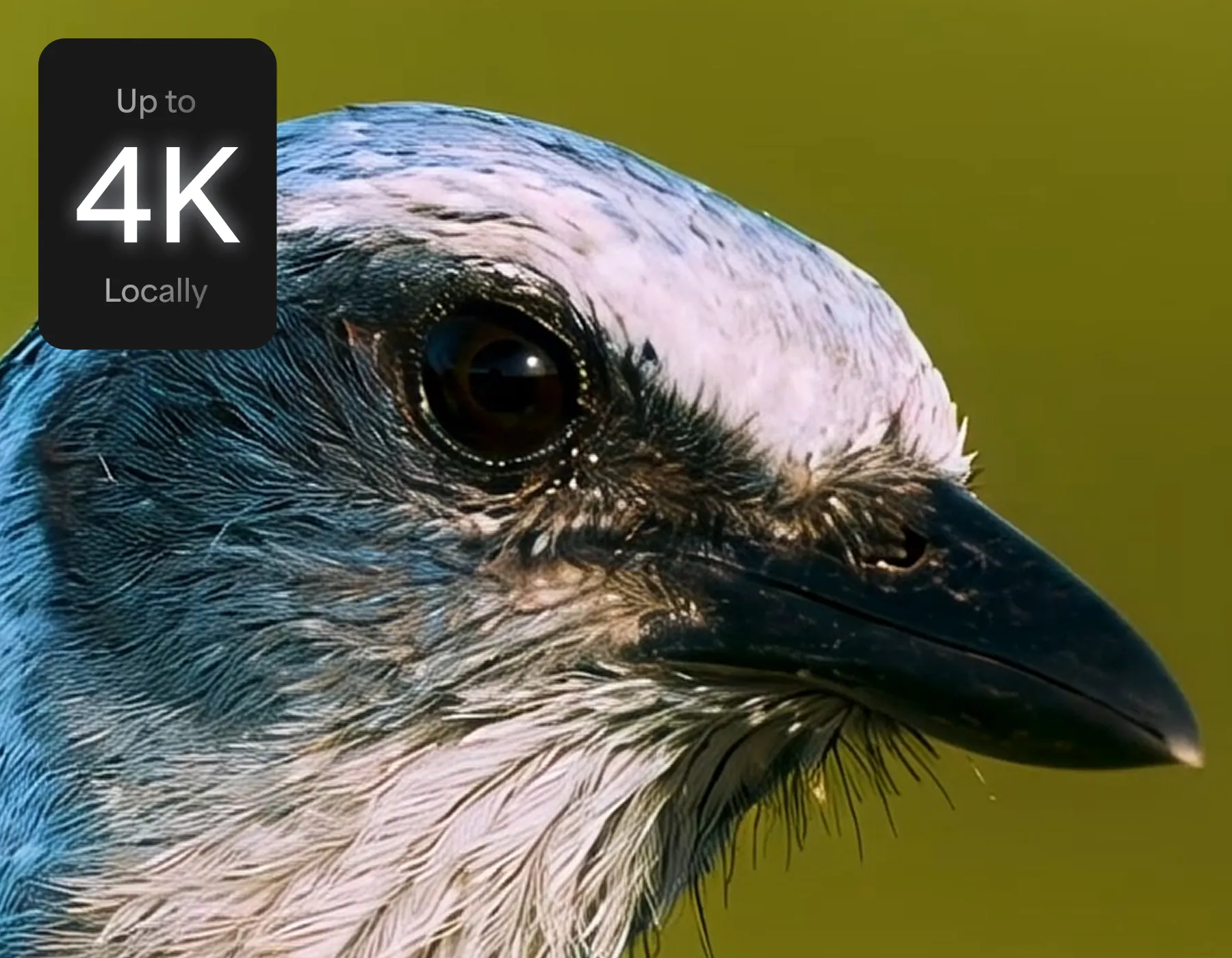
Transform higher-resolution inputs with Starlight HQ for higher-quality results. This new model marks a big step forward for input quality as Starlight Mini and Starlight Sharp are limited to 1080p. Start using the best local diffusion model for mid- to high-quality videos and balance detail with sharpness all while keeping the intent of original footage.
Currently supported in Topaz Video Pro on NVIDIA (10GB GPU minimum, 12GB GPU recommended). Cloud export also supported.
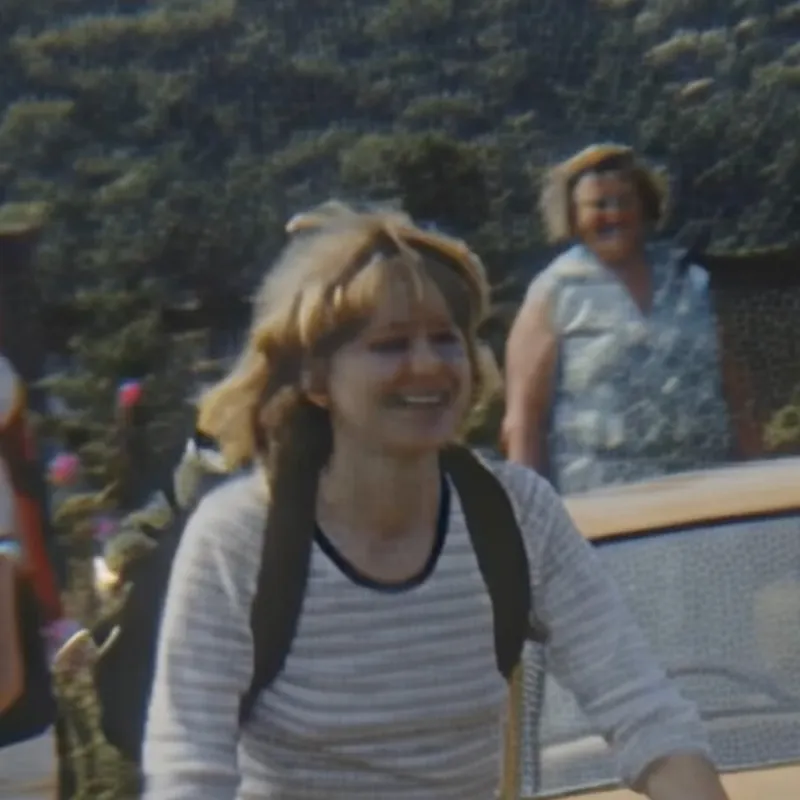
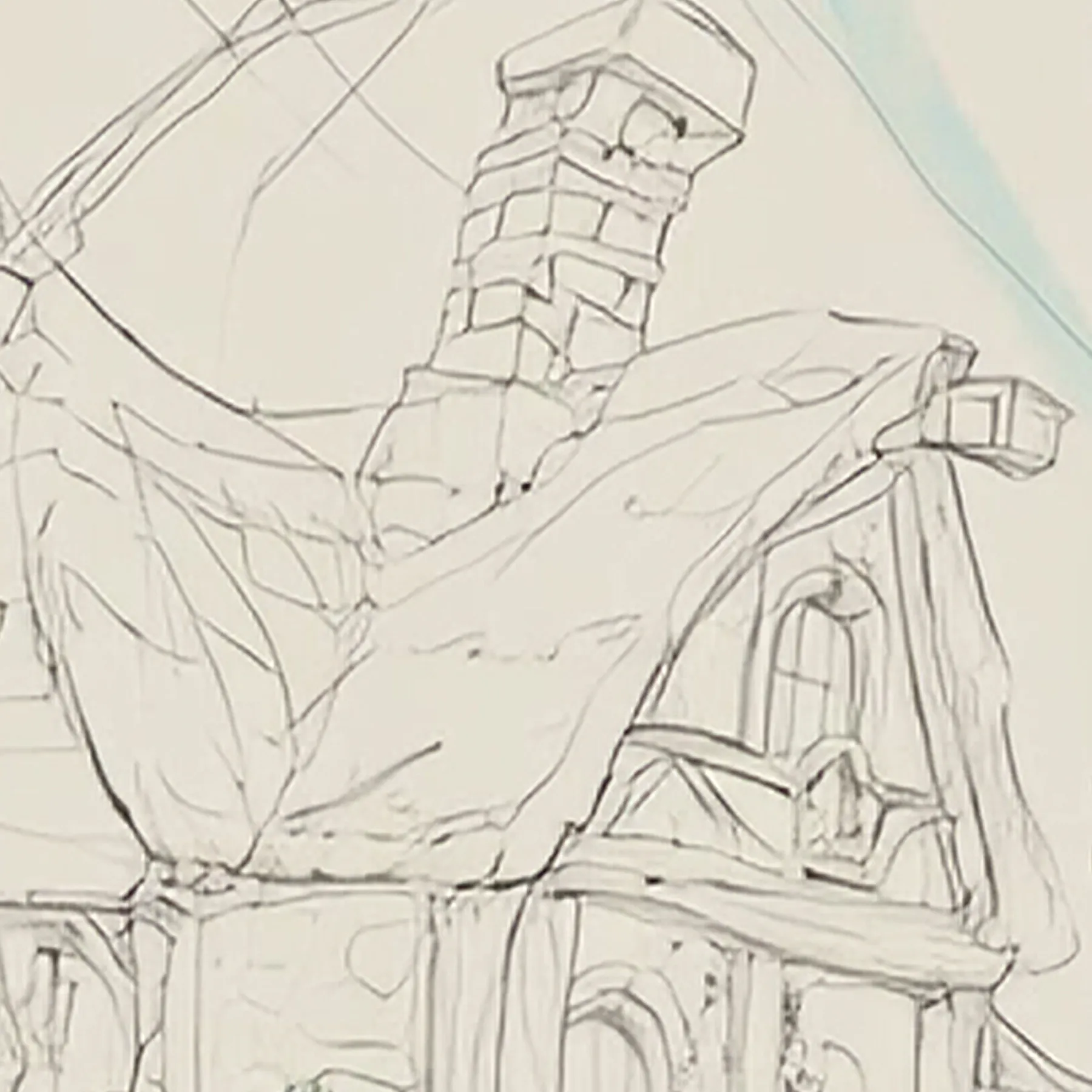
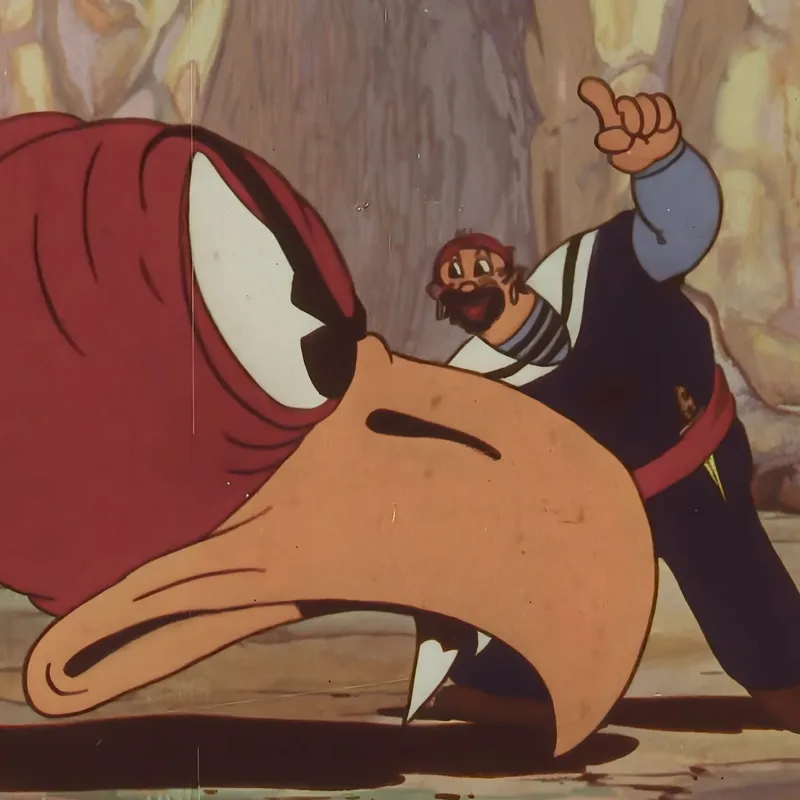
The newest model updates traditional animation, motion graphics, and stop motion workflows. It uses a different structure that prevents detail bleeding with frame by frame enhancements. Use it to address aliased edges and sharpness while maintaining original content intent at 2x upscale.
Currently supported locally on both PC and Mac.
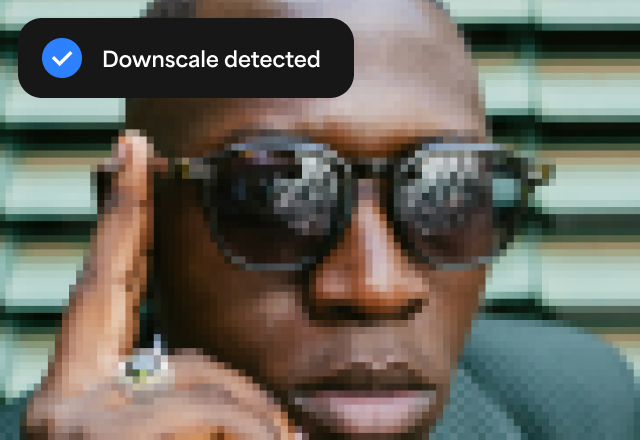
Automatically detects false resolution—upscaled or resampled images that have lost real detail.
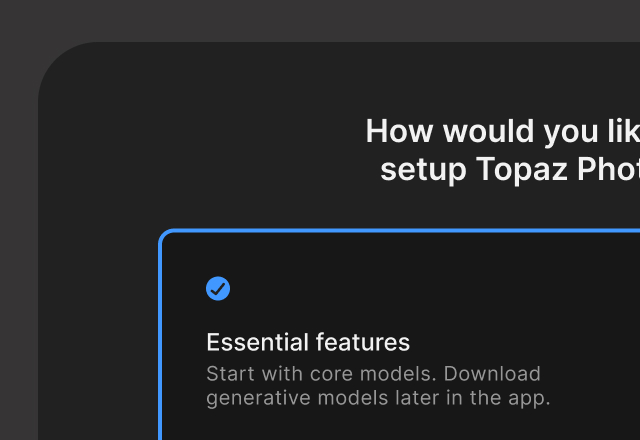
Get up and running quicker and reduce app storage space with new installer that automatically downloads core models, and allows selective and on-demand installation for others.
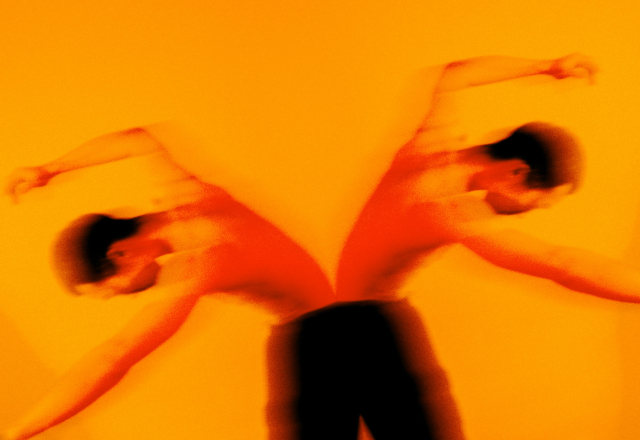
Switch the orientation of any footage by mirroring it vertically or horizontally directly in Topaz Video.


© 2005 - 2026 Topaz Labs. All rights reserved.


