New
Web Apps



Desktop Apps



Need product and account support?
Contact support team
New
Web Apps
Desktop Apps
Need product and account support?
Contact support team


Before
After
Drag to reveal
Dec 2025
New at topaz labs

A monumental, Studio-wide release with over 20 new models, features, and updates across 5 apps and Enterprise. All with the closest to true-to-life results yet. No plastic, all real.
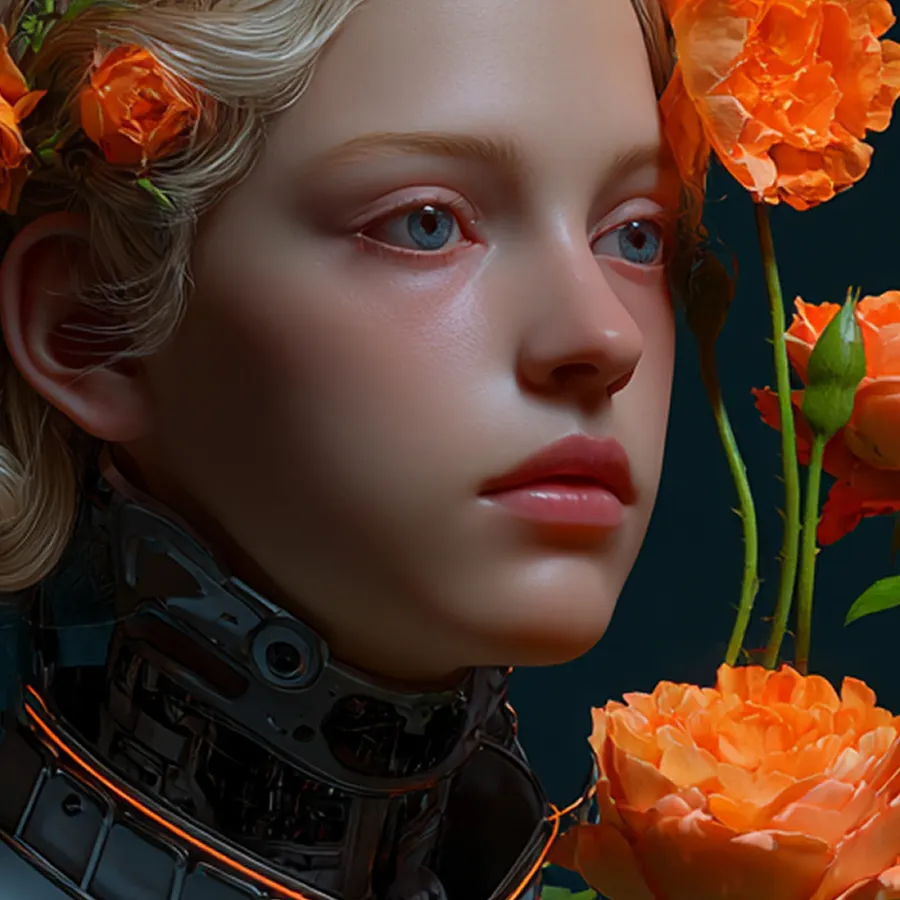
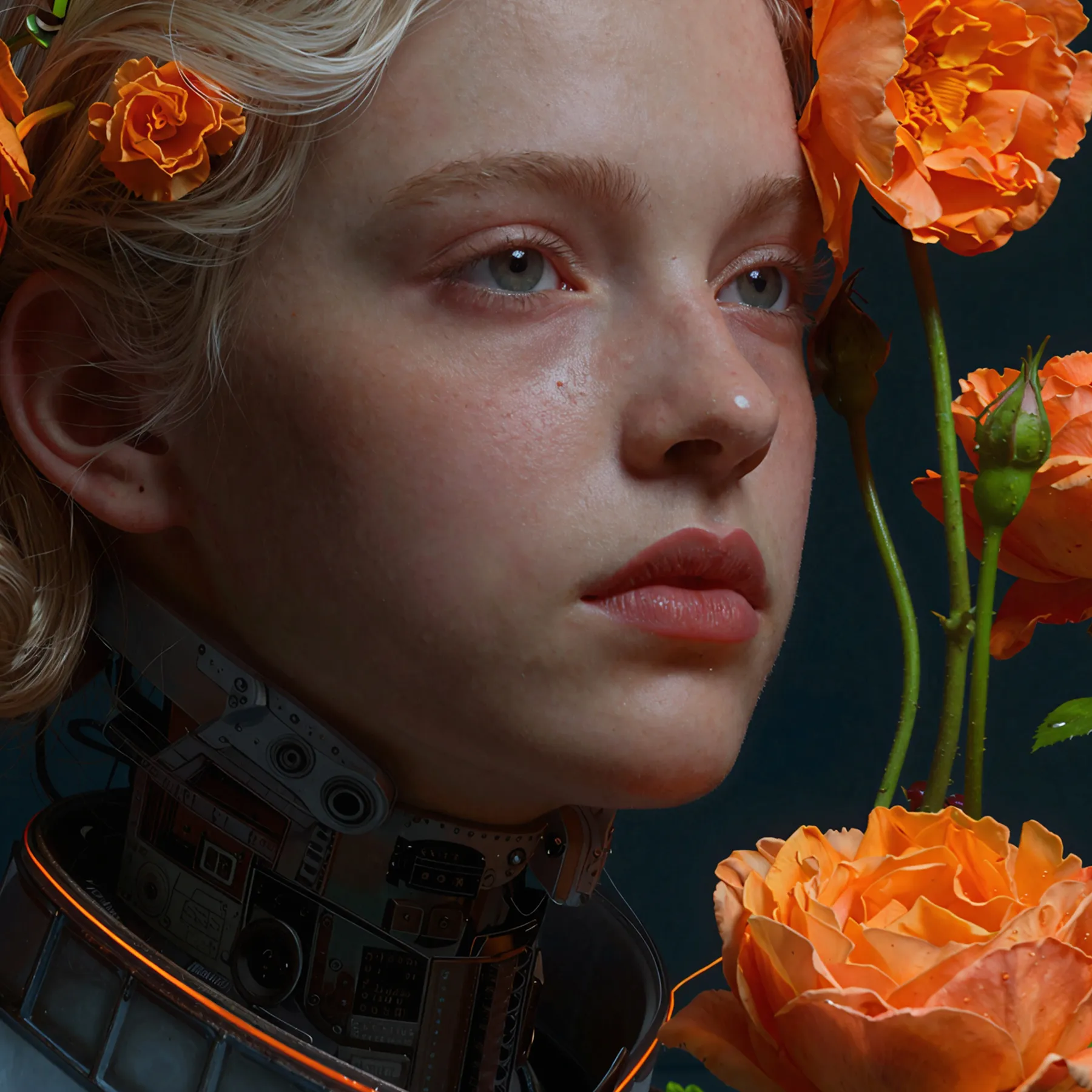

Instantly remove the artificial feel of AI-generated images with this new, advanced creative upscaler. Skin, fabrics, metal, plastic, hair, and everything in between. See AI faces completely transformed into real people.
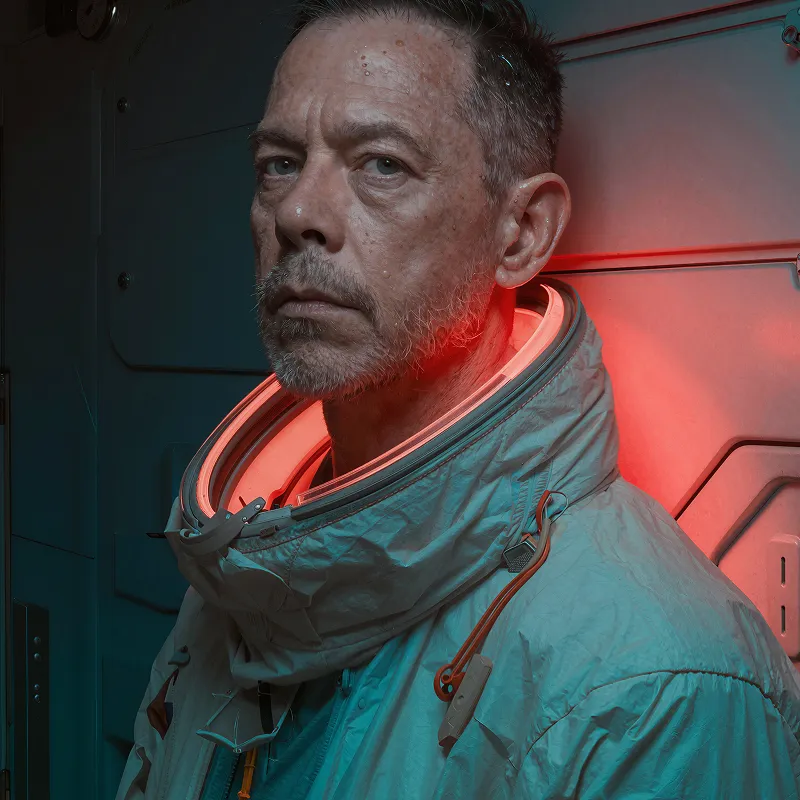

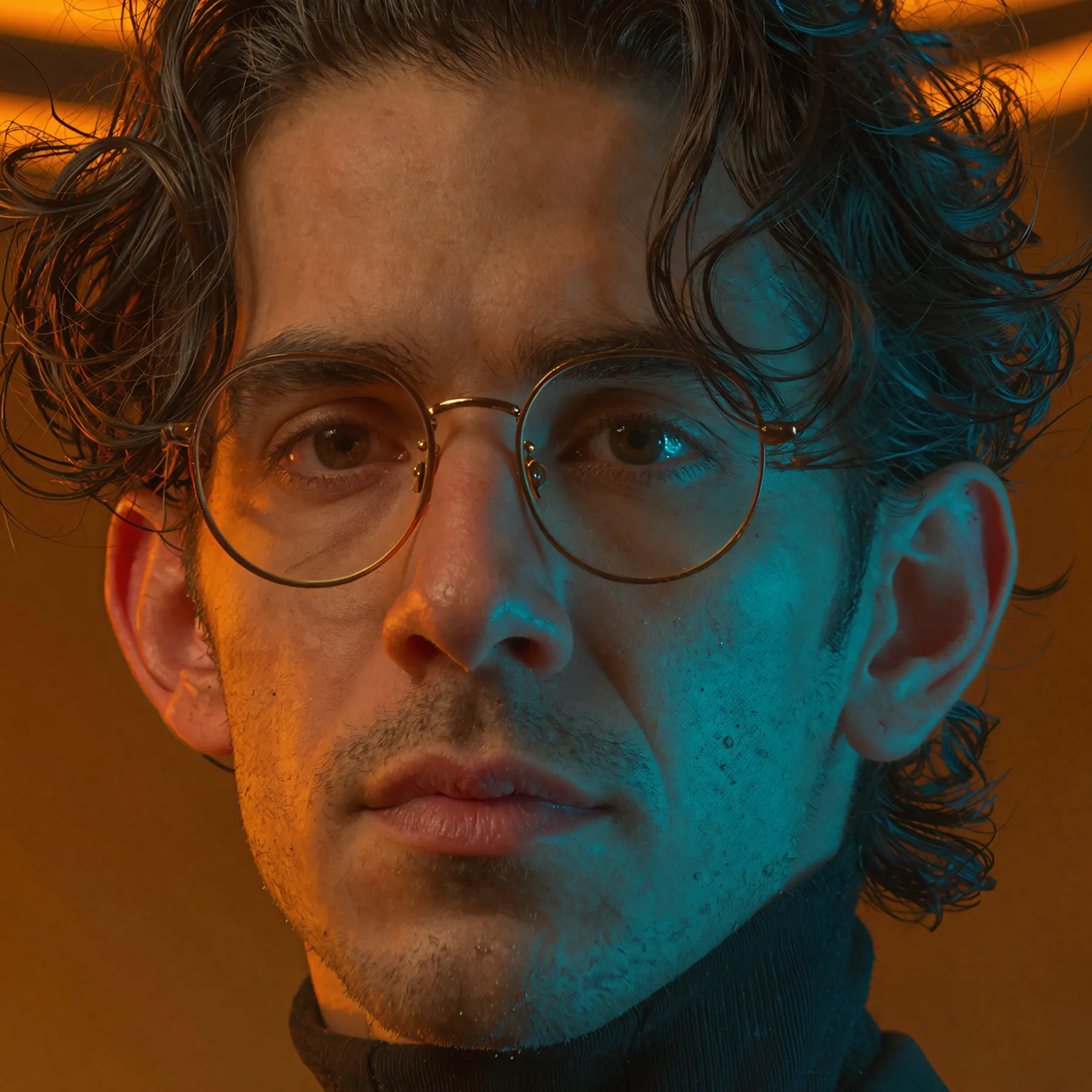

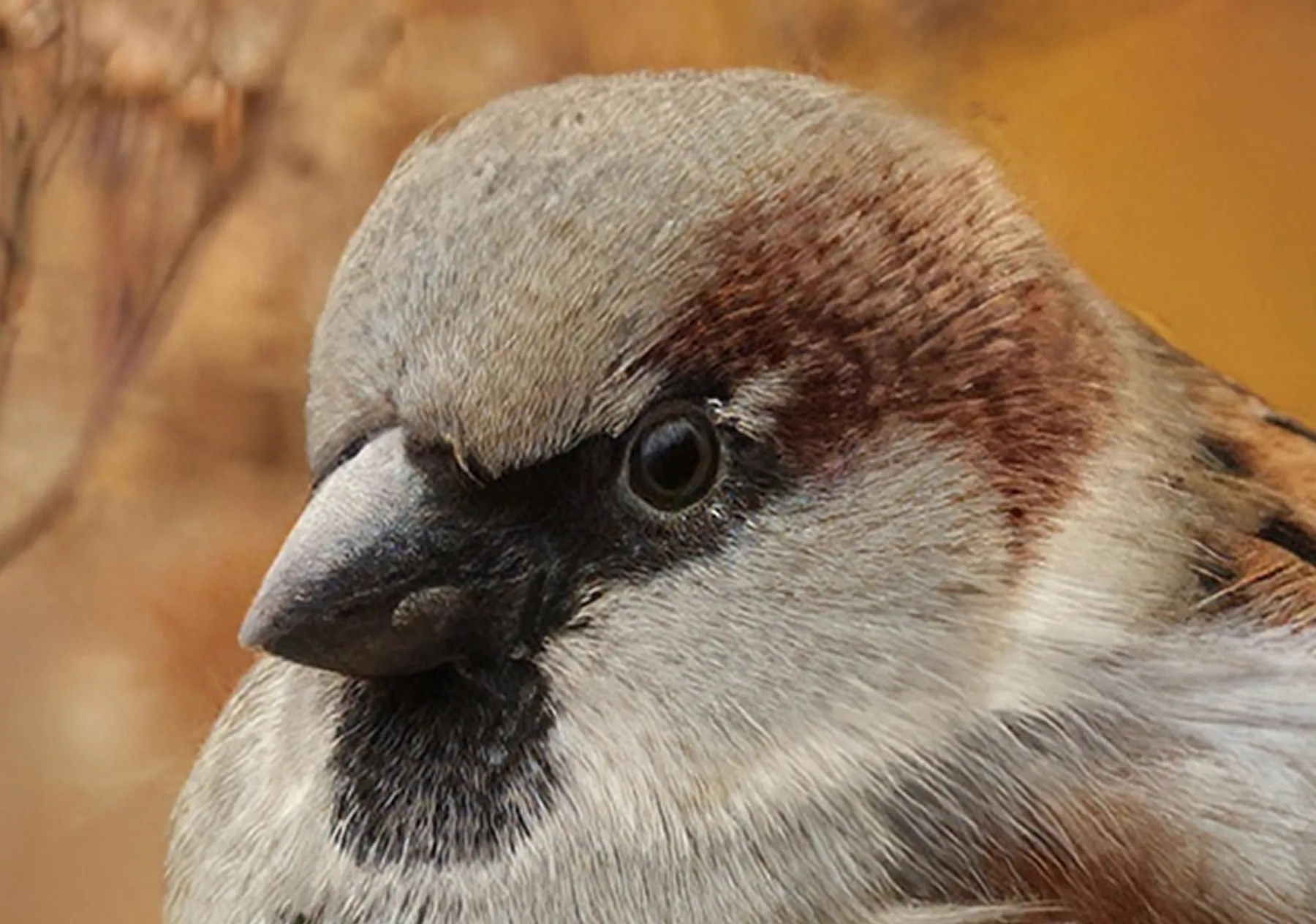

Every subject is clearer with our first case-specific sharpening models. Use Sharpen > Portrait to get the most defined results on people, and Sharpen > Wildlife for animals.

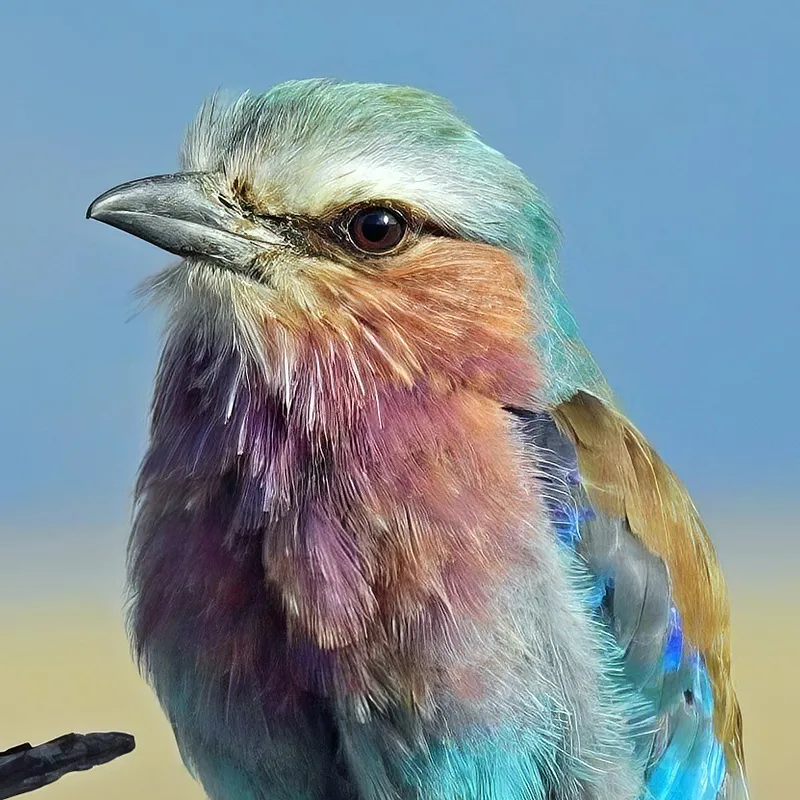

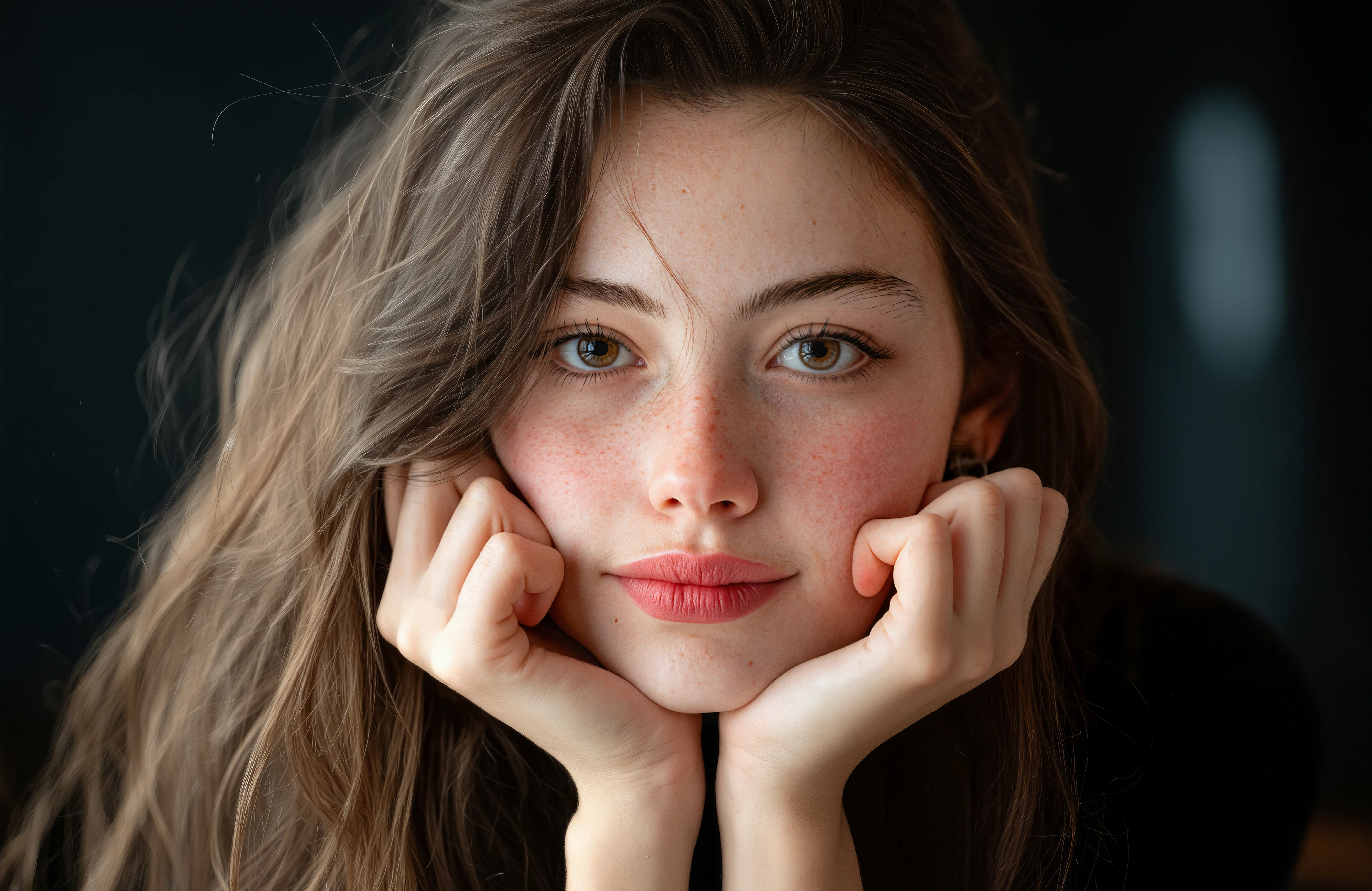
Make faces shine with our first Sharpen model built specifically for people. Natural skin, hair, and eyes. Crisp clothing and fibers.

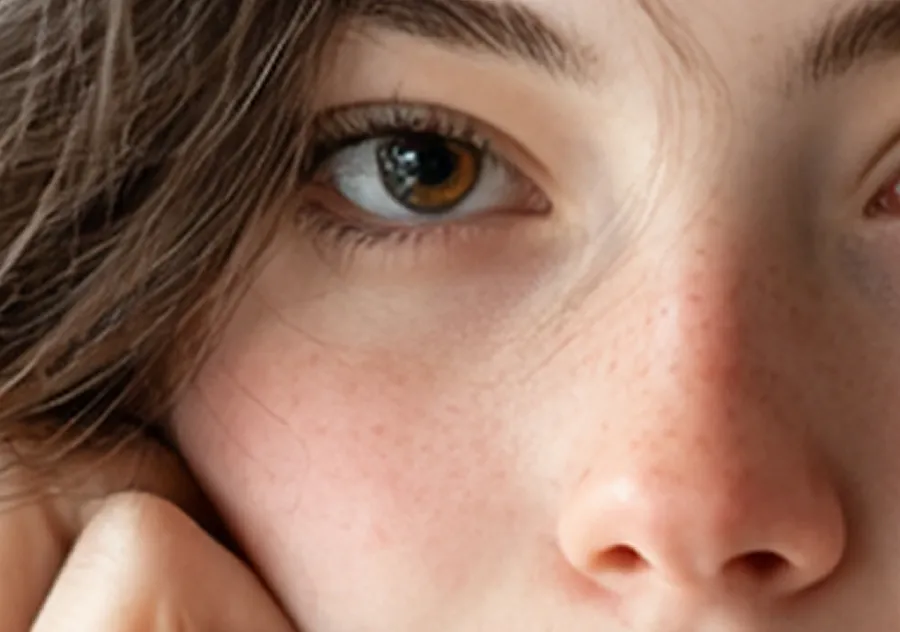
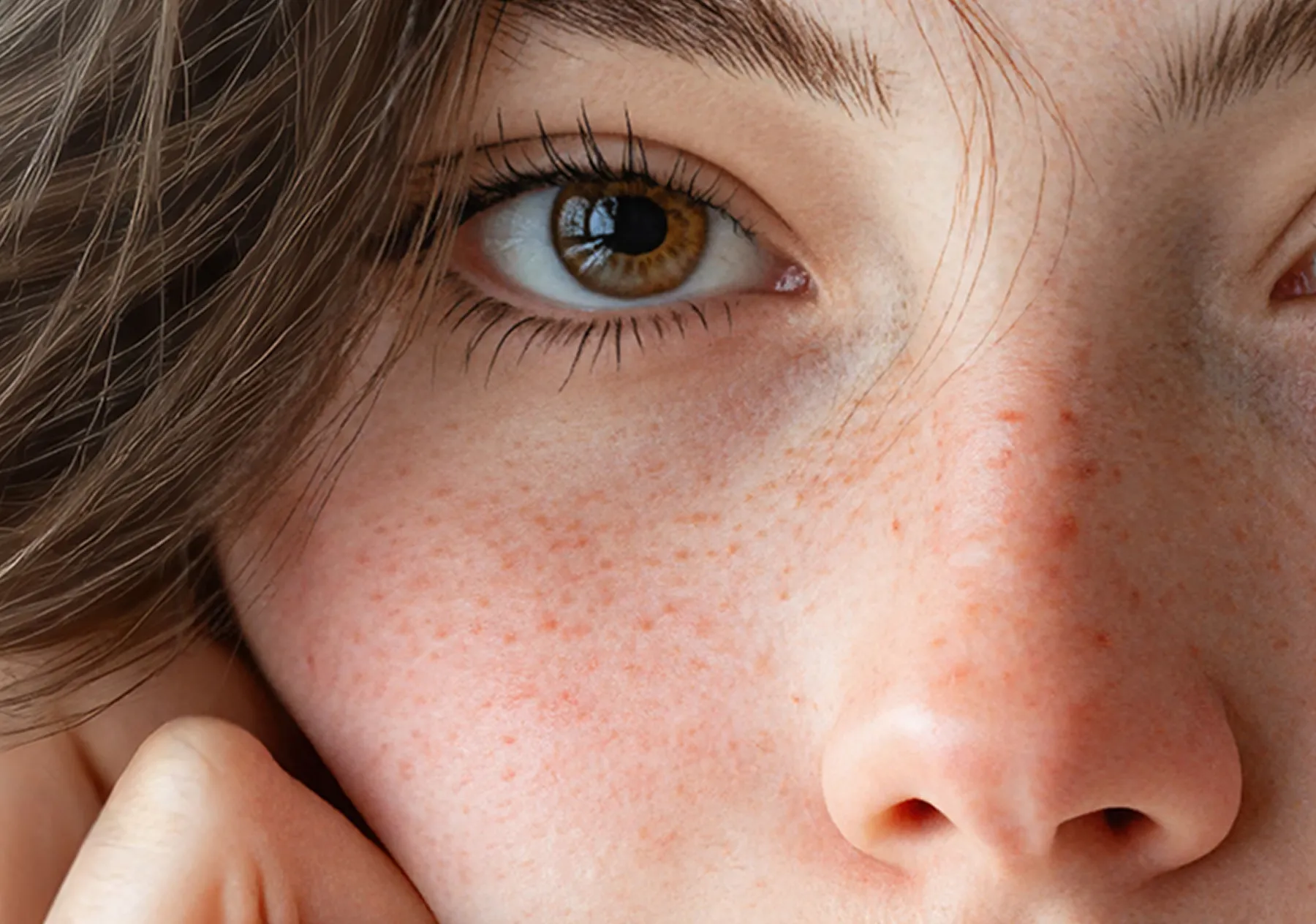

Or just “Denoise” for short. Use the new Denoise toggle alongside almost all Topaz Video upscaling models. That extra clarity you need, without additional sharpening or upscaling.

Upscale and enhance AI-generated videos with our most realistic video upscaler yet. Starlight Precise 2 is extensively trained on people for the most natural look yet.
See stronger results in difficult lighting.
Remove more dust and scratches, preserve more detail.
Clear away plastic or smooth feeling by adding a touch of grain.
Get more authentic grain with this overhauled model based on levels like luminosity and RGB channel wavelengths.
Enhance videos one scene at a time for greater control.
Upload, view, render, and export multiple videos at the same time.
Image Colorization, Image Object Matting, Transparent Image Upscale, Video Colorization, Starlight HQ, and Face Realism. Available now on API.
Get the sharpest, most natural face results with this all-new Bloom model trained specifically for faces. Available now via API, coming soon to Bloom.
Get faster, more reliable, higher quality results when using Topaz Video models in After Effects and Adobe Resolve.
Access all Topaz Gigapixel models on Intel Macs once again.
Get the highest quality results with the newest Wonder model upgrade, and make full use of the GPU while doing so.
Experience an upgraded Topaz Gigapixel with full disk management with plugins. Free of model download errors.


© 2005 - 2026 Topaz Labs. All rights reserved.


