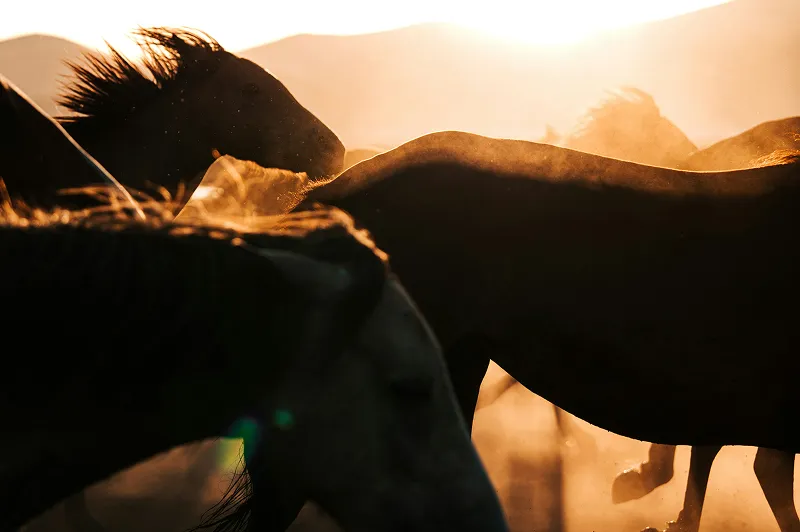
Unprocessed Image

Enhanced




Upload the photo you want to use for a funeral, memorial service or tribute and Topaz for Web restores it in seconds. Our award-winning restoration technology removes scratches, dust and creases, sharpens a soft face and recovers faded detail, then saves a new copy ready to print, frame or share.


Sign up and use it now. No watermark.
Input
Favorite print
Output
Restored
Tool
Photo Restoration
Typical time
A few seconds
How it works
01
Scan the print or upload the best digital copy you have. Topaz for Web opens with Photo Restoration selected.
02
Select your desired restoration settings and check the preview.
03
Download the restored photo for a service program, a display board, a framed portrait or an online tribute.
What’s different
The photo chosen for a service is often a small, old or soft snapshot. Restoration recovers the face and repairs damage so it holds up when printed larger.
Memorial portraits are printed for easels, programs and frames. Restoration removes the dust and scratches that become obvious at large sizes.
Many memorial photos are cut from a family or event picture. Restoration helps recover a face that was only a small part of the original frame.
Fine details are reconstructed by our restoration algorithms. Check the preview with someone who knew them well and keep the original alongside the restored copy.
Recommended settings
Topaz for Web opens with Photo Restoration selected when you start from this page. Adjust any setting before you export.
Step | Recommendation | Why |
|---|---|---|
Scan | 600 DPI, 1200 if cropping a face | A cropped face needs more pixels to print well at portrait size. |
Tool | Photo Restoration | Repairs creases, scratches, dust and fading in one pass. |
Review | Check the preview at full size | Make sure the face looks natural before it goes to print. |
Archive | Save the original too | Keeps an unaltered copy for the family. |
Pro users can also restore photos in the Topaz Photo desktop app.
Trusted by over 1 million photographers and filmmakers
“Blurry planes came to life perfectly sharp. Very easy to use.”
“This helped me save family photos that had soft focus.”
“It doubles the value of your photographic equipment.”
Verified Topaz Labs reviews on Trustpilot.
Scan the print at 600 DPI, or 1200 DPI if you plan to crop in on a face, upload it to Topaz for Web and let Photo Restoration repair it. Check the preview and download the restored copy in seconds.
Restoration takes a few seconds per photo, so you can prepare a portrait the same day. Leave time for printing, which is usually the slower step.
Yes. Crop the face you need, then restore it. Results depend on how much detail the original holds, so start from the highest resolution scan or file you have.
Restoration repairs damage and sharpens detail, but fine features are reconstructed by our restoration algorithms. Compare the result with the original and with other photos before printing.
Yes. Restore each photo in Topaz for Web, then download them for your slideshow or display board.

Topaz for Web is included with Topaz Studio, alongside Photo, Gigapixel, Video, Bloom and Topaz for Mobile.
Updated 2026-10-28


© 2005 - 2026 Topaz Labs. All rights reserved.