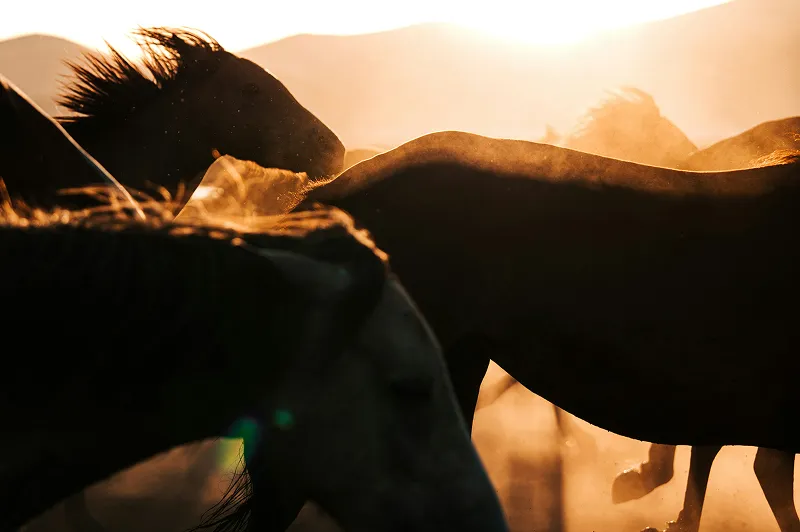
Unprocessed Image

Enhanced



 Topaz for Web· Image upscaling
Upscaling 8x is the largest jump Topaz for Web offers. Width and height grow eight times, 64 times the pixels: a 512 × 512 image becomes 4096 × 4096. It is meant for very small sources such as icons, early AI art and old web graphics, where the AI builds almost all of the detail.
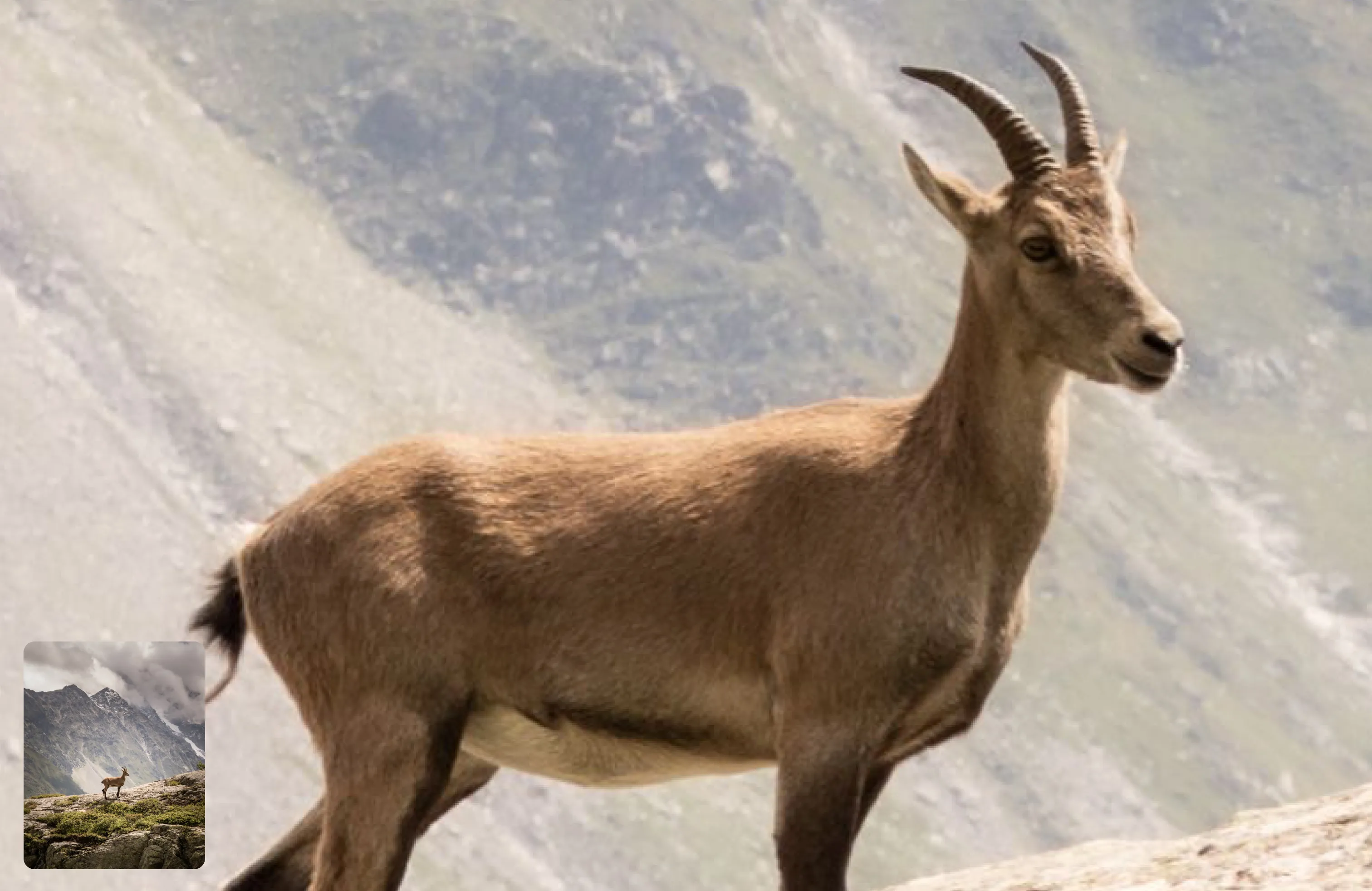
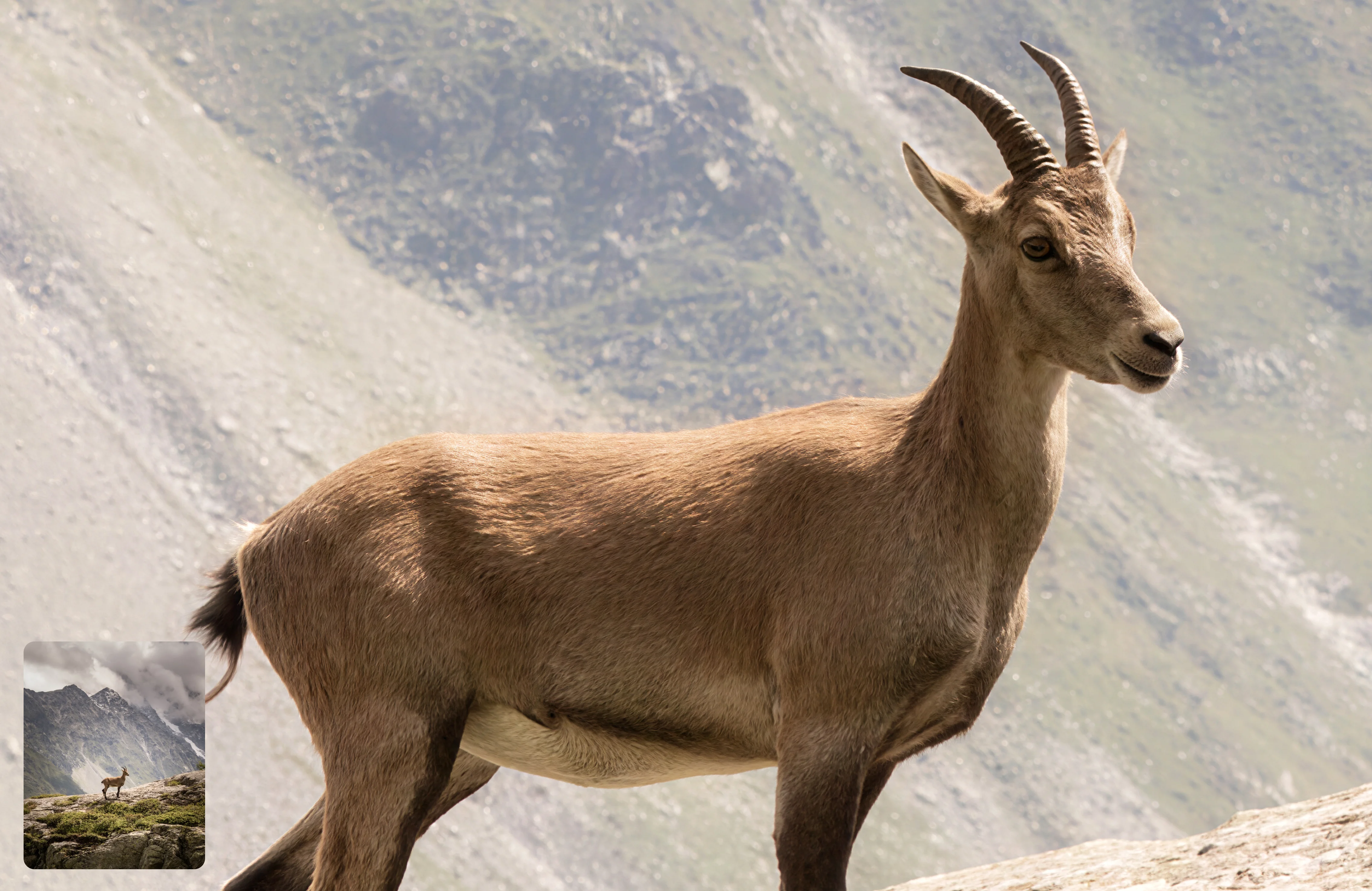 Before · 720 × 405After · 5760 × 3240
Sign up and use it now. No watermark.
Input
512 × 512
Output
4096 × 4096
Model
Standard
Typical time
A few seconds
How it works
01
Upload a small image. 8x is pre-selected, the highest factor Topaz for Web supports.
02
Choose Low Res for photos or Text & Shapes for icons and logos. Zoom into edges in the preview.
03
Export and check the file at its final display size. If details look invented, try 6x or 4x instead.
What’s different
At 8x, almost the whole image is generated. That suits textures, skies and illustration, but small text and faces can drift, so always check them.
Older generators and small previews often export at 512 × 512. 8x takes them to 4096 × 4096, the same size as a modern 1024 px image upscaled 4x.
A 128 × 128 icon becomes 1024 × 1024 at 8x. With Text & Shapes, edges stay crisp and flat colors stay flat, which is what brand assets need.
The 32 MP export cap on the Image plan allows inputs up to about 0.5 MP at 8x, around 866 × 577. Bigger sources rarely need 8x anyway.
Stamps, labels and small prints scanned at low resolution can be rebuilt at 8x for display or archiving. If the original still exists, rescanning at a higher DPI will beat any upscale.
Recommended settings
These settings are pre-selected when you open the tool from this page. Change any of them before you export.
| Setting | Value | Why |
|---|---|---|
| Scale factor | 8x | The maximum in Topaz for Web, 64 times the pixels. |
| Model, photos | Standard | Rebuilds detail when the source has very little to give. |
| Model, graphics | Text & Shapes | Keeps edges and flat colors clean on icons and logos. |
| Largest input | About 0.5 MP | Keeps the 8x output under the 32 MP export cap on the Image plan. |
Pro users can apply the same settings in the Topaz Video and Topaz Photo desktop apps.
Trusted by over 1 million photographers and filmmakers
“Blurry planes came to life perfectly sharp. Very easy to use.”
“This helped me save family photos that had soft focus.”
“It doubles the value of your photographic equipment.”
Verified Topaz Labs reviews on Trustpilot.
Width and height are multiplied by eight, which gives 64 times the pixels. A 250 × 250 image becomes 2000 × 2000.
Yes. Topaz for Web upscales up to 8x in one pass. For larger factors, Topaz Gigapixel on desktop goes up to 16x.
Yes. Use Text & Shapes and export as PNG. If you have the logo as a vector file, use that instead: vectors scale to any size without upscaling.
About 0.5 MP on the Image plan's 32 MP export cap, for example 866 × 577. Larger inputs should use 4x or 6x.
At 8x the AI generates most of the detail. If the source is very compressed or blurry, try Low Res, or step down to 6x so the model has relatively more real information to work from.
 Topaz Studio
Topaz for Web is included with Topaz Studio, alongside Photo, Gigapixel, Video, Bloom and Topaz for Mobile.
Updated 2026-10-02


© 2005 - 2026 Topaz Labs. All rights reserved.