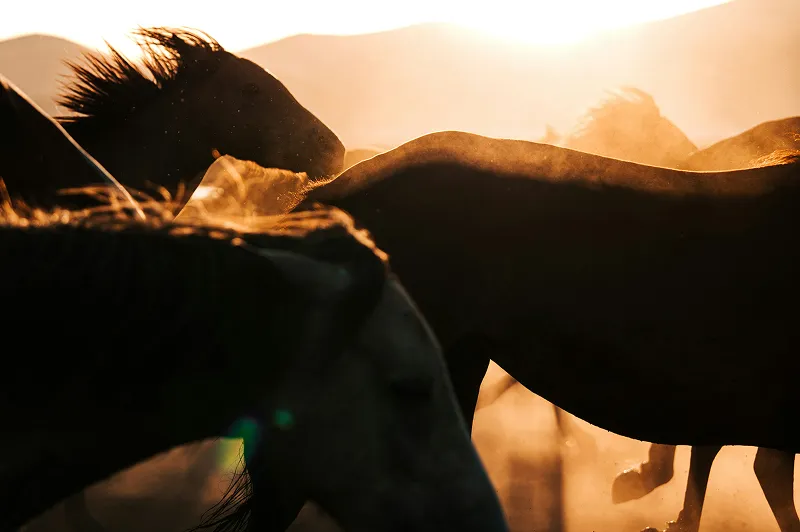
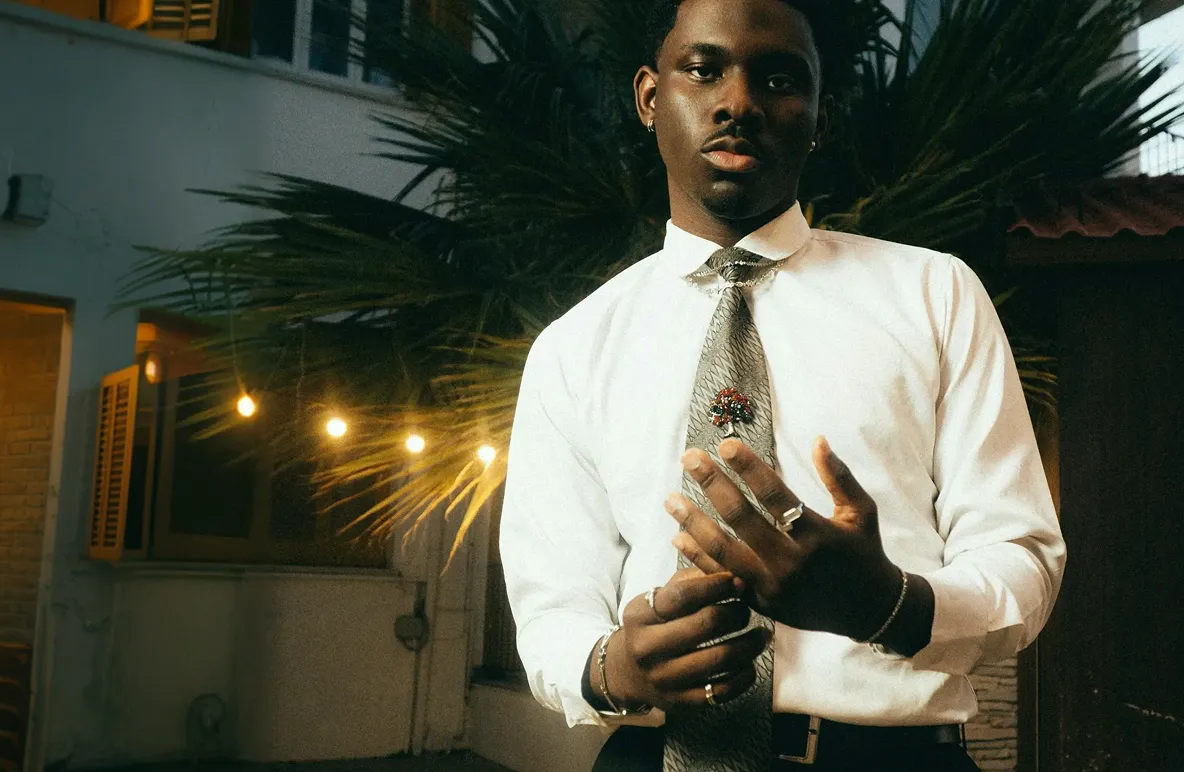
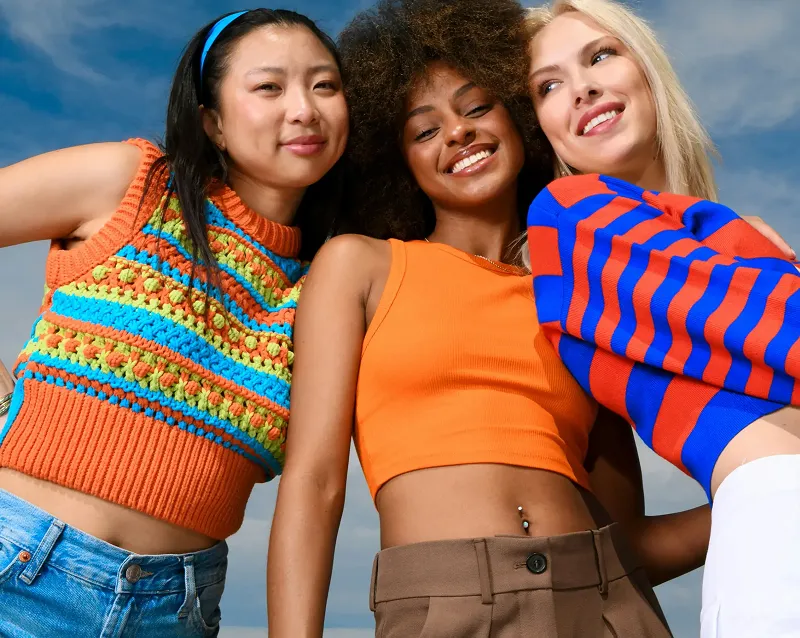
Unprocessed Image

Enhanced


 Topaz for Web· Image upscaling
Upscaling 6x makes an image six times wider and taller, which is 36 times the pixels. It is for genuinely small sources: a 640 × 360 thumbnail becomes 3840 × 2160, and a 1280 × 720 image becomes 8K. At this jump the AI creates most of the detail, so model choice matters.
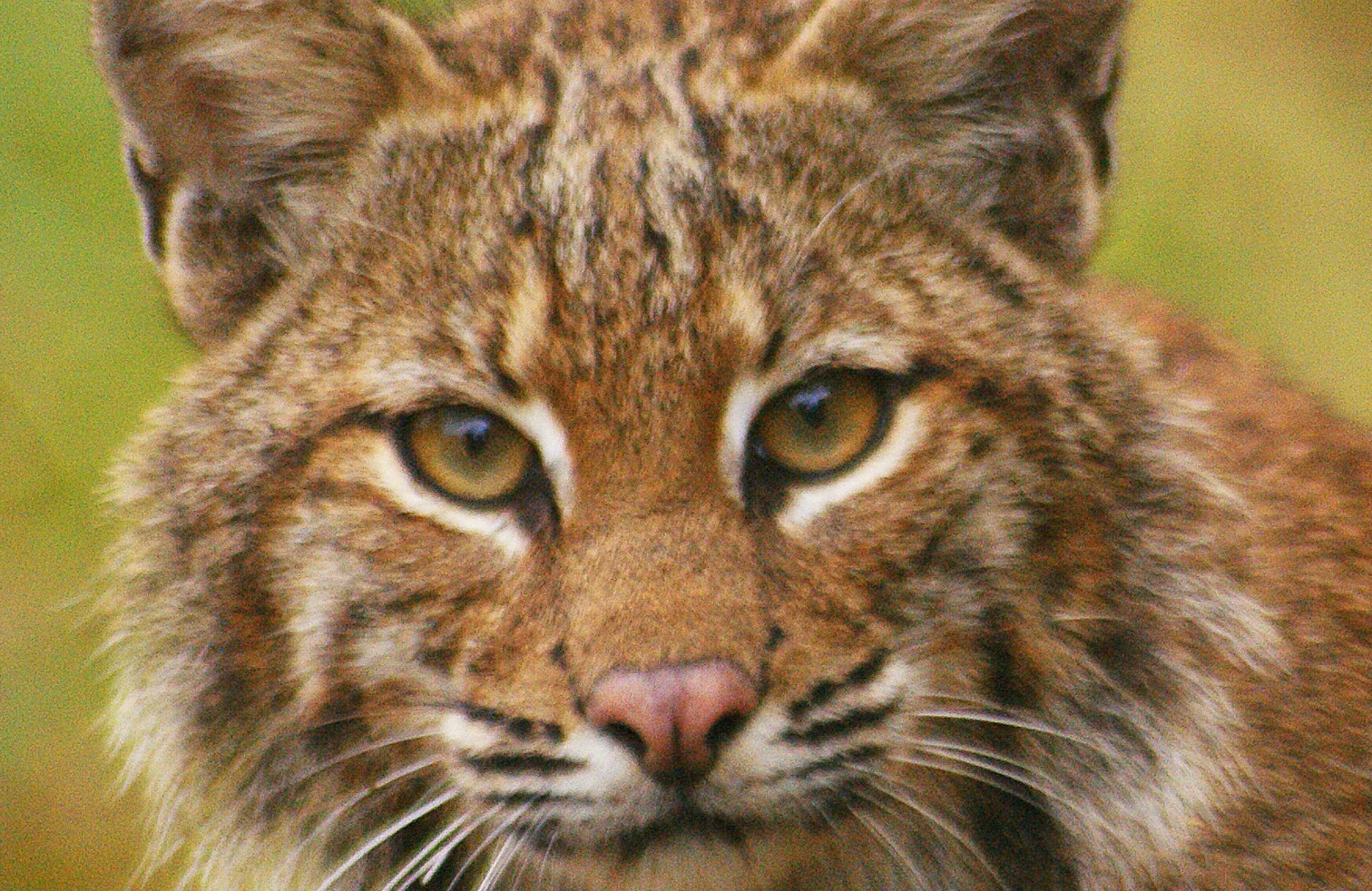
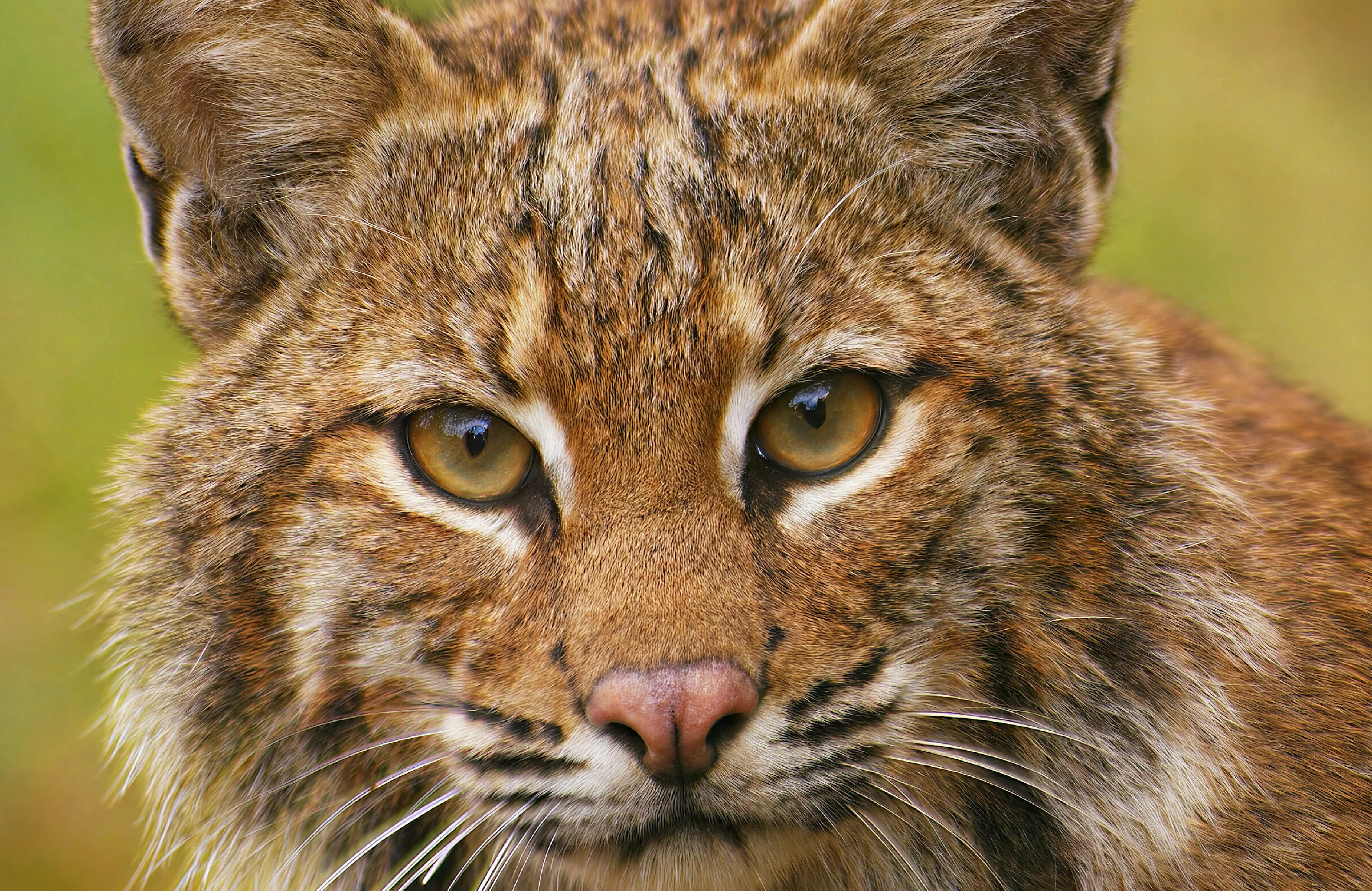 Before · 960 × 540After · 5760 × 3240
Sign up and use it now. No watermark.
Input
640 × 360
Output
3840 × 2160
Model
Low Res
Typical time
A few seconds
How it works
01
Upload the smallest original you have, not a screenshot of it.
02
Use Low Res for tiny or heavily compressed files. Check faces and text closely in the preview; they show problems first.
03
Export, then compare against the source at the same display size before you publish.
What’s different
At 6x, 35 of every 36 output pixels did not exist in the source. The model predicts them from learned patterns, which works best on natural textures and less well on fine print.
640 × 360 is a common thumbnail and preview size. 6x lands it exactly on 3840 × 2160, so a preview image can fill a 4K screen.
Compression artifacts get enlarged along with everything else. A clean 640 px original upscales far better than a re-saved, blocky copy of the same image.
With the 32 MP export cap on the Image plan, inputs up to about 0.9 MP fit at 6x, around 1154 × 769. Above that, use 4x or a Pro plan.
Small square images like a 200 × 200 avatar become 1200 × 1200 at 6x, sharp enough for a slide, a byline photo or a printed name badge.
Recommended settings
These settings are pre-selected when you open the tool from this page. Change any of them before you export.
| Setting | Value | Why |
|---|---|---|
| Scale factor | 6x | Six times width and height, 36 times the pixels. |
| Model | Low Res | Tuned for tiny, compressed inputs where most detail must be rebuilt. |
| Largest input | About 0.9 MP | Keeps the 6x output under the 32 MP export cap on the Image plan. |
| Format | PNG | Avoids stacking new compression on top of the source's artifacts. |
Pro users can apply the same settings in the Topaz Video and Topaz Photo desktop apps.
Trusted by over 1 million photographers and filmmakers
“Blurry planes came to life perfectly sharp. Very easy to use.”
“This helped me save family photos that had soft focus.”
“It doubles the value of your photographic equipment.”
Verified Topaz Labs reviews on Trustpilot.
It multiplies width and height by six, so the image ends up with 36 times as many pixels. A 300 × 200 image becomes 1800 × 1200.
Not always. The bigger the factor, the more detail the AI has to create rather than recover. 6x works well for natural scenes and textures, and needs more care with faces, small text and logos.
If it is 640 × 360, upscale it 6x to reach 3840 × 2160 exactly. For other sizes, divide 3840 by the width to find the factor you need, then pick the closest one.
On the Image plan's 32 MP export cap, about 0.9 MP, roughly 1154 × 769. Larger images should use a smaller factor or a Pro plan.
One step is usually cleaner.
 Topaz Studio
Topaz for Web is included with Topaz Studio, alongside Photo, Gigapixel, Video, Bloom and Topaz for Mobile.
Updated 2026-10-02


© 2005 - 2026 Topaz Labs. All rights reserved.